social commerce app
How to Build a Social Commerce App: Features, Costs and Development
Quick Summary * A social commerce app blends product discovery, social interac



The Android ecosystem continues to dominate the global mobile market, making Android app development one of the most valuable investments for businesses and startups. With billions of Android users worldwide, companies are increasingly adopting android mobile app development strategies to engage customers, improve operational efficiency, and generate new revenue streams.
Modern android app development technologies have significantly transformed how applications are built. Developers now have access to advanced frameworks, development tools, architecture patterns, and AI-powered capabilities that make app creation faster, more scalable, and highly efficient. Android powers over 70% of smartphones worldwide, making it the largest mobile operating system globally.
Whether you're a startup planning your first application or an enterprise looking for custom android app development, understanding the latest Android technologies is essential for success.
In this guide, we'll walk through the complete process of creating an Android application using modern tools and best practices.
Before diving into the development process, it's important to understand the key concepts that define modern Android app development. The approach has shifted from traditional Java-based development to more dynamic, flexible, and efficient approaches.
Setting up the development environment is the first step in building an Android app. Android Studio, the official integrated development environment (IDE) for Android app development, is a toolbox full of capabilities that help to speed up the development process. It offers an easy-to-use interface, real-time code analysis, and easy integration with the Android SDK.
Modern Android app development offers developers the flexibility to choose between Java and Kotlin as their programming language. Kotlin, being a more modern and concise language, has gained significant popularity due to its enhanced features, null safety, and interoperability with Java. It's a wise choice for creating robust and efficient Android apps.

Designing a visually appealing and intuitive user interface (UI) is critical to the success of an Android app. Android's XML-based layout system allows developers to define UI elements using a declarative syntax. Thanks to the power of Constraint Layout, developers can design flexible and responsive layouts that adapt to different screen sizes and orientations.
Modern Android app development emphasizes the importance of architecture to create maintainable and scalable apps. Model-View-ViewModel (MVVM) architecture has gained prominence as it neatly separates the concerns of data, UI, and business logic. With frameworks like Android Architecture Components, such as LiveData and ViewModel, developers can build apps that are easier to test and maintain
Google's Android Jetpack is a set of libraries, tools, and guidelines that accelerate the app development process. Some key components include:
Navigation Component: Simplifies app navigation by using a graphical representation of the app's navigation graph.
Space Persistence Library: Provides an abstraction layer over SQLite that facilitates working with databases.
WorkManager: Enables efficient background processing, allowing developers to schedule and manage tasks.
Modern Android app development encourages the use of third-party libraries to expedite development and enhance app functionality. Libraries like Retrofit for network requests, Glide for image loading, and Dagger for dependency injection can significantly streamline the development process and improve the overall app performance.
Creating a visually consistent and delightful user experience is crucial. Material Design, Google's design language, offers guidelines and components that ensure a unified and visually appealing UI across different Android devices. Utilizing Material Components for Android simplifies the implementation of design elements such as buttons, cards, and navigation drawers.
With the increasing amount of sensitive data handled by mobile apps, security is of paramount importance. Utilize Android's built-in security features, such as Data Binding, to prevent data leaks and encryption mechanisms to secure sensitive information. Regularly update your app's dependencies to ensure you're using the latest security patches.
Thorough testing is required to guarantee that your software functions properly and delivers a pleasant user experience. Modern Android app development encourages a variety of testing techniques, including unit tests, integration tests, and UI tests. Tools like Espresso and JUnit help automate testing processes, resulting in more reliable and bug-free apps.
App performance plays a pivotal role in user satisfaction and retention. Employ tools like Android Profiler to monitor CPU, memory, and network usage in real-time. Optimize your app's performance by following best practices such as using a responsive layout, optimizing images, and reducing unnecessary background tasks.
After successfully developing and testing your app, it's time to share it with the world. The Google Play Store is the primary marketplace for Android apps. Follow Google's guidelines for app publishing, including creating an eye-catching app icon, crafting an engaging app description, and setting appropriate pricing and distribution options.
The journey doesn't end once your app is published. Encourage user feedback and reviews to gain insights into your app's performance and usability. Use this feedback to iterate on your app, fixing bugs, adding new features, and continuously improving the user experience.
Modern Android app development has evolved far beyond traditional coding practices. Technologies such as Kotlin, Jetpack, MVVM architecture, Material Design, and advanced testing frameworks have made it easier than ever to build powerful and scalable mobile applications.
By leveraging the right android development tools, focusing on security and performance, and continuously improving based on user feedback, businesses can create applications that stand out in today's competitive mobile market.
Partnering with an experienced android application development company like LoudOwls ensures your app is built using industry best practices and future-ready technologies.
Kotlin is currently Google's preferred language due to its concise syntax, safety features, and improved productivity.
A basic app may take 2–4 months, while complex enterprise applications can require 6–12 months or more.
MVVM improves code organization, scalability, maintainability, and testing efficiency.
Popular tools include Android Studio, Jetpack Libraries, Firebase, Retrofit, Glide, and Android Profiler.
Costs vary depending on complexity, features, integrations, and development team location. Projects can range from $10,000 to $250,000+.
For most new projects, Kotlin is recommended because of its modern features and official Google support.
An experienced mobile app development company provides technical expertise, faster development, better security, scalability, ongoing support, and a higher-quality final product.


Quick Summary * A social commerce app blends product discovery, social interac
LoudOwls
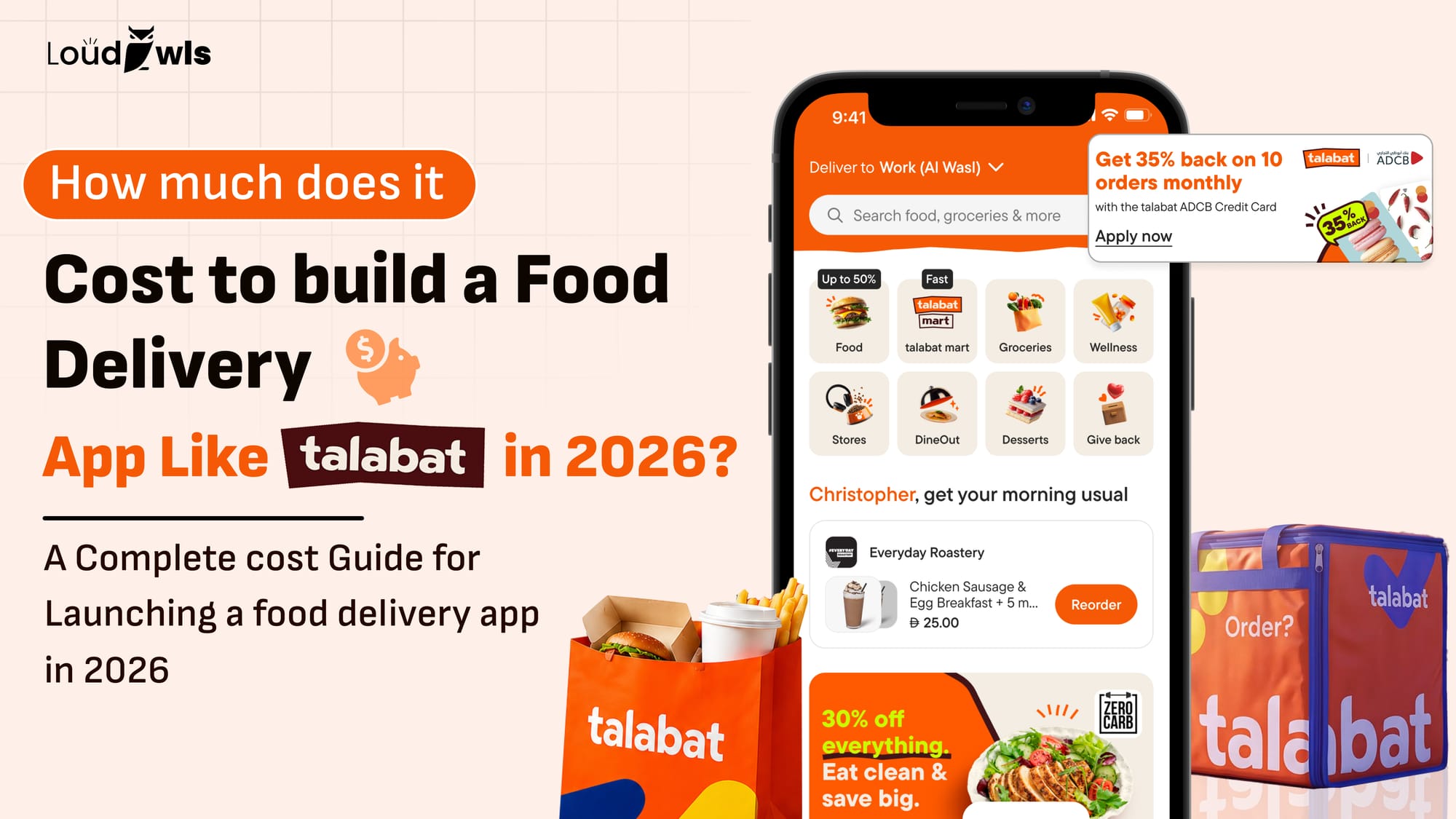
Quick Summary * Food delivery app development in 2026 ranges from roughly $20,
LoudOwls

Quick Summary * Building an AI app can cost anywhere from $15,000 to over $500
LoudOwls