Mobile App Development Trends
Top 10 Mobile App Development Trends to Watch in 2026
Quick Summary * This blog explores the latest mobile app development trends re

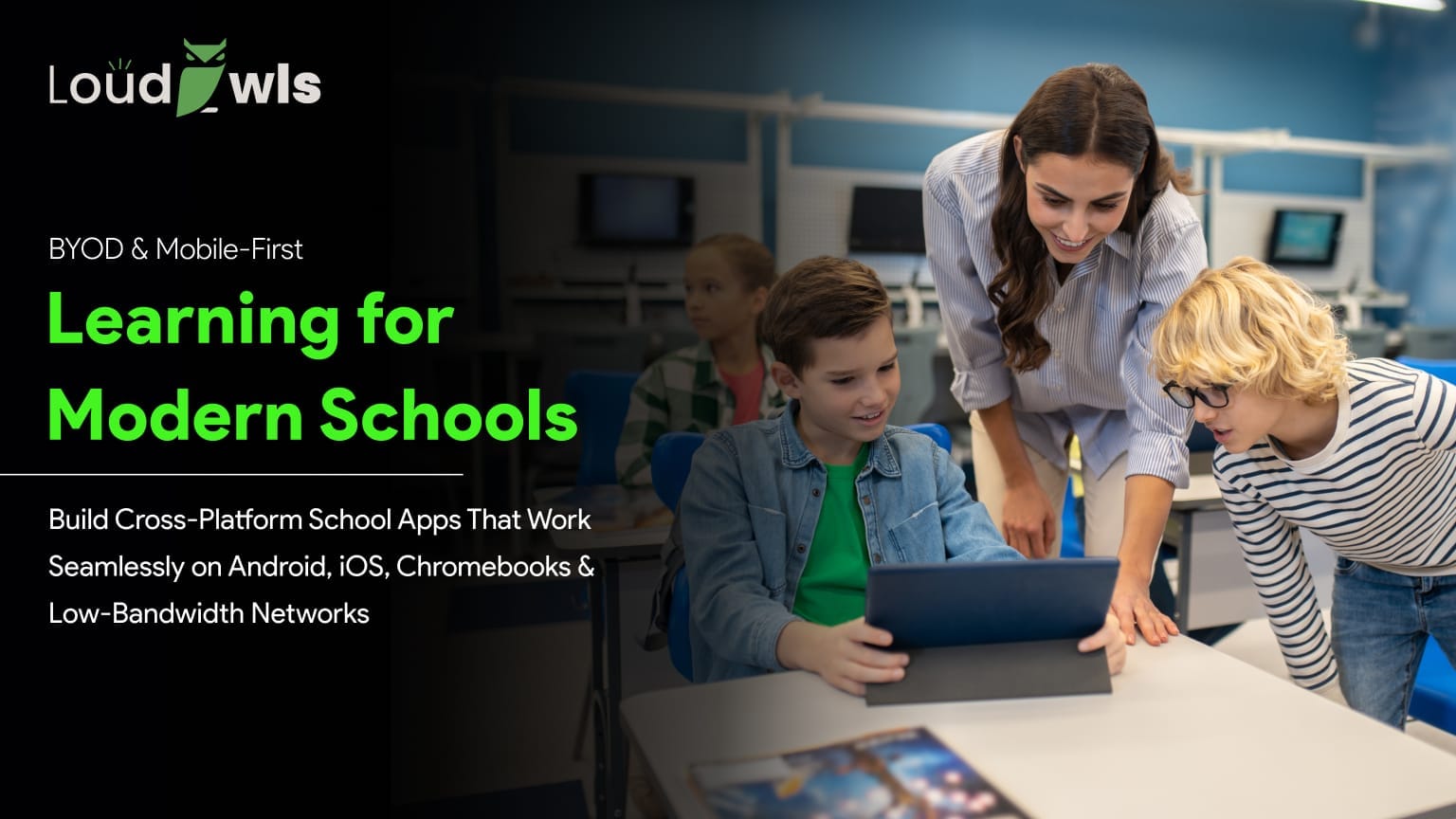

Imagine being in a class of 30 students. Some use a device provided by the school. Some of these are two or three generations old personal Android devices. A student is using iOS 19 on the tablet. Not to mention that at least three of them are in some place with patchy internet.
This is not a rare situation. It is the reality of Bring Your Own Device policies in schools across Canada, the UAE, and most of the developed world. And most school apps are not built for it.
A school app that works on a flagship phone but breaks on a three-year-old Android is not a school app. It is a product built for half the classroom. BYOD policies assume the software will meet students where they are. Most of the time, it does not. This article is about what it actually takes to build one that does.
BYOD in schools means students and teachers use personal or shared devices rather than institution-issued hardware. On paper, it reduces costs and increases access. In practice, it creates a development challenge that most generic platforms are ill-equipped to handle.
The device spread in a typical BYOD school environment includes Android phones running versions from 8 to 14, iPhones ranging from Series 6 to the latest, Chromebooks running ChromeOS with Android app support, Windows laptops of varying ages, and shared iPads that may have multiple user profiles.
According to Statista, Android has a 71.8 percent market share in the mobile OS market today as of the 2023 survey. Android fragmentation is real and it directly affects how a school app performs across different devices. If an app works well on a Samsung Galaxy S23 it may exhibit completely different behaviour with Android 9 phone with 2GB of RAM that is not a part of the Samsung Galaxy S23.
The design challenge is not just visual. It is performance, connectivity, screen density, input method, and OS capability. A school app that only works well on high-end devices is not a school app. It is a liability.
One of the biggest advantages of BYOD for schools is cost savings.
Purchasing computers or tablets for every student can be extremely expensive. With BYOD, schools do not need to invest heavily in devices because students bring their own.
This helps schools reduce expenses related to:
Schools can then allocate funds to other important areas such as teacher training, infrastructure, or digital learning platforms.
Traditional computer labs often limit access because students must wait for scheduled lab sessions. BYOD removes this limitation.
Students can instantly access:
Teachers can also integrate technology into daily lessons more naturally instead of treating it as a separate activity.
BYOD creates a technology-driven learning environment.
Schools adopting BYOD often see increased use of:
This prepares students for a future where digital skills are essential in both higher education and professional careers.
BYOD makes communication and collaboration easier among students and teachers.
Using their own devices, students can:
Collaboration tools like shared documents and online whiteboards help create a more interactive classroom experience.
One major benefit of BYOD is learning continuity.
Students can continue their education from home using the same device they use at school. This became especially important during online learning periods.
BYOD supports:
This flexibility improves overall educational accessibility.

Here are the biggest challenges involved in educational app development for BYOD school environments.
One of the biggest challenges in BYOD ecosystems is the wide variety of devices students use.
A single classroom may include:
This creates compatibility issues for app developers.
Apps must function smoothly across:
Developers need extensive testing to ensure consistent performance across all devices.
BYOD apps must support multiple platforms simultaneously.
Schools may have students using:
Each operating system has different:
Maintaining feature consistency across platforms can significantly increase development complexity and cost.
Educational apps often handle sensitive student information including:
In BYOD environments, devices are personally owned, which increases cybersecurity risks.
Common concerns include:
Developers must implement strong security features such as:
Compliance with student privacy regulations is also essential.
Students connect from different locations using varying internet speeds and network quality.
Some may use:
This inconsistency can affect app performance.
Developers must optimize apps for:
Without optimization, students may face interruptions during lessons or assessments.
Personal devices can easily become sources of distraction.
Students may switch from educational apps to:
Educational app developers often need to include classroom-focused features such as:
Balancing usability with classroom control is a major challenge.
It's likely the most talked-about feature in mobile learning platform development these days, and the answer has changed considerably in the last two years. Progressive Web Apps have considerably closed the gap with native apps.
One codebase for PWA works across iOS, Android, Windows and Chromebooks, without needing to submit to app stores. Updates deploy instantly. Students and IT administrators don't experience any installation friction. Google's own guidelines are clear that PWA service workers can provide a full offline experience.
Native or hybrid apps continue to be the most effective for accessing cameras for document scanning, and for integrating Bluetooth low-energy sensors and deep OS-level notifications. In these aspects, Flutter and React Native are more viable options.
LoudOwls recommends a PWA-first approach for content delivery, assessment, and communication features. Native development is recommended only when the app requires hardware integration that browser APIs cannot support. This is not a compromise. It is an accurate read of where the technology sits in 2026.

Low-bandwidth design is not a niche concern. It is central to any school app that serves students outside a well-resourced institution. The Rural schools, suburban homes with unreliable broadband, and students in developing markets all share this constraint.
The Google Lighthouse benchmark recommends a page weight of under 1.6MB for mobile applications targeting a wide range of devices. Most of the EdTech apps run well beyond this. Typically, it's video, high-resolution imagery, and lots of JavaScript files.
There are a number of decisions that form the foundation of a practical low bandwidth school app. An Offline-first approach is a concept where the app works completely offline and syncs when it's back online. This is accomplished via local SQLite databases for native apps and service workers for PWAs.
Secondly, compressing assets is no longer an option. Google's imaging research says images should be served in WebP format, which compresses images by about 30 percent making them smaller than JPEG images. They should be the woff2 font. Third, non-critical scripts should be deferred to ensure that the core interface loads quickly, even on slow networks.
A low-data mode toggle is worth building in. It gives students and parents the ability to limit data usage without losing access to core learning features. This is something very few commercial EdTech platforms offer, and it noticeably improves adoption in lower-income school districts.
This point tends to get treated as a compliance checkbox. It should not be. Two regulatory environments that LoudOwls works within, Canada and the UAE, both mandate accessibility standards for publicly funded digital products.
In Ontario, compliance with WCAG 2.1 AA is mandated for all digital properties of large organisations and government organisations, under the Accessibility for Ontarians with Disabilities Act (AODA).
In reality, a screen reader-friendly app for a visually impaired learner must include sufficient colour contrast ratios (min. 4.5:1) for all normal text, must be keyboard navigable for all interactive elements, and must have captions or transcripts for video elements.
The World Health Organisation estimates that more than 1 billion people around the world suffer from some disability. If there are 30 students in a classroom, then in a statistical way there will be at least one of their needs that accessibility features will address. Designing for this is not charity. It is good software practice.
When examining the big players in the school-app field, it's clear that certain features are missing, presenting a genuine opportunity for schools to consider new options. Google Classroom is the most widely adopted school platform in the world, as Google states, they are used in more than 150 million classrooms. It is integrated with Google and works well on Chromebooks.
One shortcoming is its restricted offline capabilities, beyond Google Drive documents. Students without reliable connectivity have a degraded experience, and the platform was not designed with low-end Android devices as a primary target.
Canvas LMS, used extensively in higher education and increasingly in secondary schools, is a capable platform with strong accessibility features. The app regularly scores below recommended thresholds on Google Lighthouse performance audits, particularly on first contentful paint metrics on older hardware.
According to PowerSchool's reporting, Schoology has more than 20 million users it has good cross-platform functionality, but limited offline functionality and a relatively high minimum device requirement, excluding some of the lower-cost Android devices that are prevalent in BYOD environments.
The space they create is the same: low-end device performance, offline-first architecture, and super-responsive design, optimized for mixed-device environments. This is the very place where purpose-built cross-platform development with Flutter or a PWA education app-first approach beats a big legacy platform.
Both Flutter and React Native can be used to create cross-platform school apps and are established and ready to use. The better choice depends on your team's expertise and what the project actually requires.
Google's Flutter framework compiles to native ARM code and includes its own rendering engine, Skia. This means that there is no difference in the way the app looks or functions on different devices as they don't contain any native UI layers.
React Native is built using JavaScript and works with native components and is supported by Meta. Your team will be able to develop faster with React Native, you have more third-party libraries, and your team has a strong understanding of JavaScript.
These issues should be addressed from first principles in a school app for a BYOD based school, not as an afterthought.
Educational technology is evolving rapidly. In 2026, students expect learning experiences that are interactive, personalized, mobile-friendly, and accessible from anywhere. At the same time, schools and educators demand secure, scalable, and data-driven solutions that improve learning outcomes.
To succeed in this competitive landscape, educational app developers must focus on more than just attractive design. Modern education apps need strong user experience, AI integration, accessibility, security, and cross-platform performance.
Here are the most important best practices for educational app development in 2026.
Personalization is becoming a core feature of modern educational apps.
Students learn at different speeds and in different ways. Educational apps should adapt to individual learning styles, strengths, and weaknesses.
Best practices include:
Personalized learning improves engagement and helps students achieve better outcomes.
Most students now access educational content through smartphones and tablets.
A mobile-first approach ensures apps work smoothly on:
Key mobile-first practices include:
Apps should deliver consistent performance across all screen sizes and devices.
Educational apps are used by students of different age groups and technical abilities.
Complex interfaces can reduce engagement and create learning barriers.
Best practices for UI/UX include:
A user-friendly interface improves both retention and learning efficiency.
AI is reshaping digital education in 2026.
Modern educational apps increasingly use AI for:
AI-powered features can improve both student engagement and teacher productivity.
Educational environments often follow BYOD (Bring Your Own Device) models.
Students may use:
Apps must provide seamless experiences across all platforms.
Cross-platform development frameworks can help reduce development time while maintaining consistency.
Educational apps handle sensitive student information, making cybersecurity essential.
Apps should include:
Developers must also comply with educational privacy regulations and data protection laws.
LoudOwls builds cross-platform school apps for institutions in Canada, the UAE, and international markets. The development approach is built around Flutter and React Native for mobile-first builds, with PWA options for institutions that need zero-install deployment across Chromebook and mixed-OS environments.
The school app market in 2026 is not short on platforms. It lacks reliable platforms that work reliably when students are on old hardware, in low-bandwidth environments, and using assistive educational technology. That is the gap LoudOwls builds for.

Looking for a cross-platform school app developer who understands BYOD school app development in depth? Book a consultation with LoudOwls.
BYOD refers to students bringing their own devices to school, instead of a school provided device. The problem is they come in all sorts of operating systems, different processor speeds, screen dimensions and memory sizes.
A PWA-first approach delivers around 80 percent of native functionality at significantly lower development cost with no app store friction. A strong PWA can meet most app requirements for content delivery, assessment and communication. If the app needs to use the camera and Bluetooth sensor it is better to use native or hybrid development with Flutter or React Native.
The backbone of it is an "offline first" architecture, using either service workers for PWAs or local SQLite for native apps, and aggressive asset compression. Images in WebP format, fonts in WOFF2, and deferred non-critical scripts all significantly reduce data usage. A low-data mode toggle is worth building in and is a feature most commercial EdTech platforms do not offer.
Popular technologies include:
Educational apps should implement strong security measures such as:
Security is critical because BYOD environments involve personally owned devices connected to school networks.
Modern educational apps should include:
These features improve engagement, learning outcomes, and long-term usability for students and educators.
Quick Summary * This blog explores the latest mobile app development trends re
LoudOwls
Key Takeaways ● A food delivery app like DoorDash typically costs $150,000
LoudOwls
QUICK SUMMARY- * A great mobile app development company in Canada combines pro
LoudOwls