An iOS training app that watches your form through the camera, counts your reps for you, and turns every finished set into something worth sharing.
The client asked for an iOS app that works with the one thing every gym member already brings: their phone. Pick the exercises for the day, prop the phone up, and the camera handles the rest — posture tracking, rep counting and screen recording start the moment a set begins.
The app had to be accurate enough to trust mid-set, and simple enough to use with sweaty hands, on iOS only, from wherever the phone happens to be propped.
Body posture had to be read reliably through the front-facing camera while the user moved, not from a clean, static frame.
Workouts are sets, not one continuous stream. Tracking had to start, stop and resume around a 30-second rest before the next set.
Without a social layer, a tracker is a spreadsheet. Posts, kudos and streaks had to be part of the workout, not a separate app.
Once an exercise starts, the user's hands are busy. Tracking, counting and recording all needed to trigger from a single action.
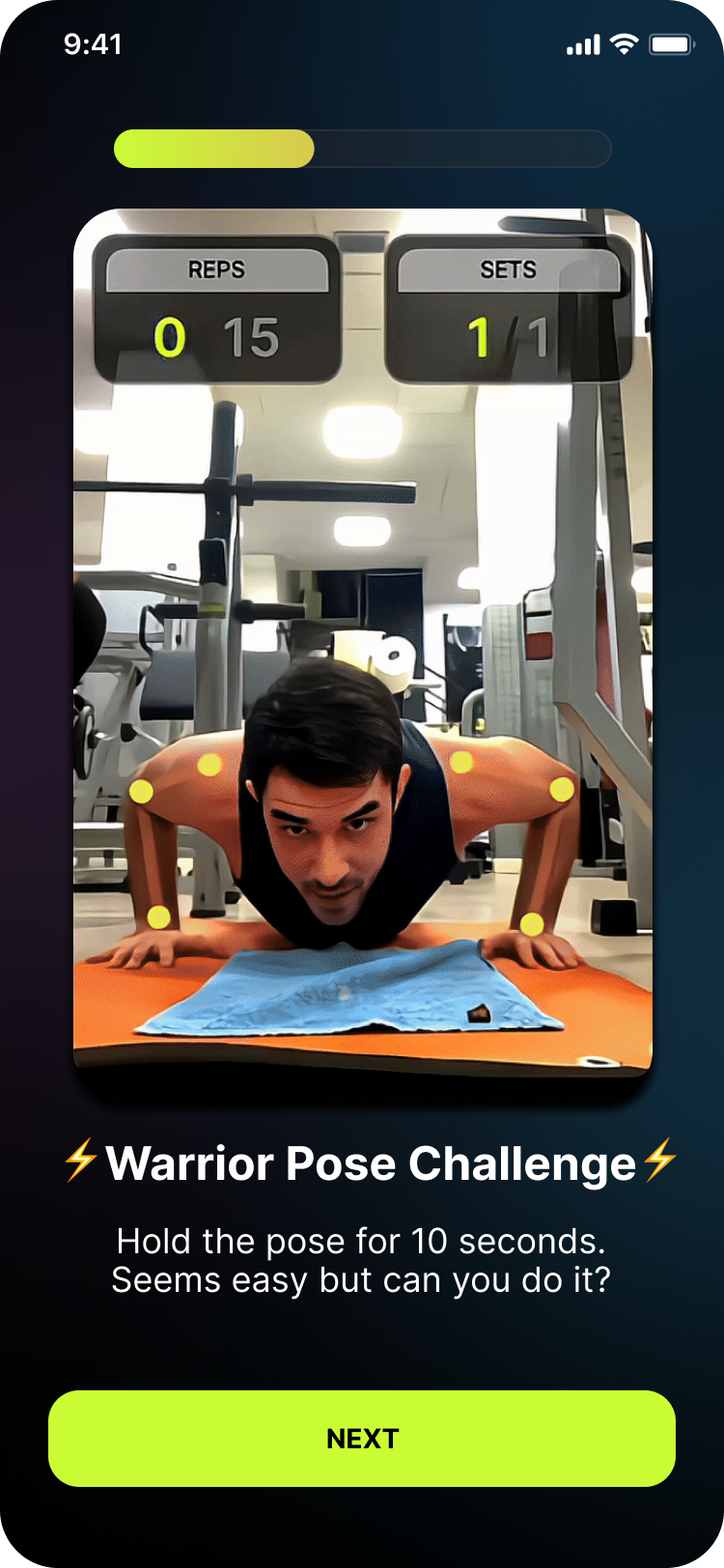
Live body tracking through the phone camera, starting automatically when an exercise begins.
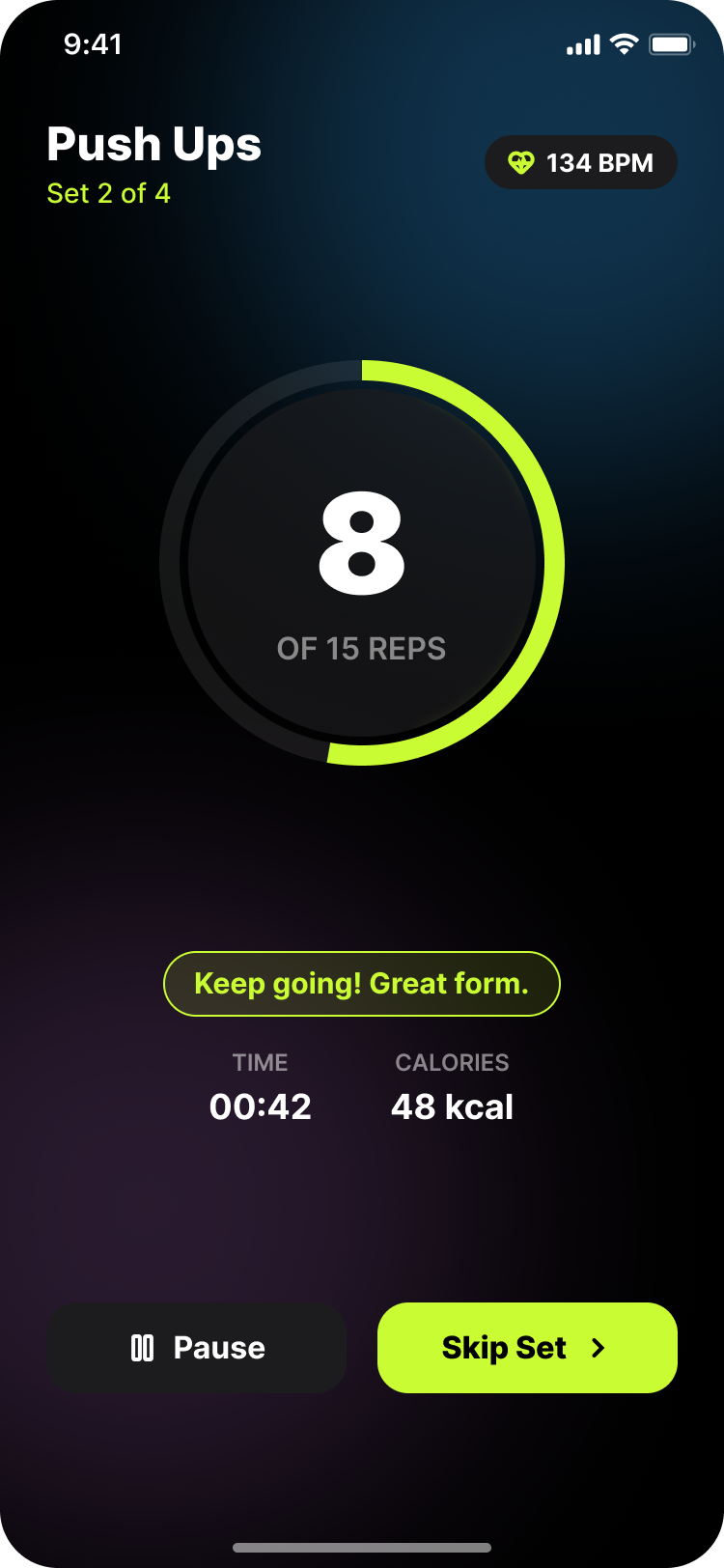
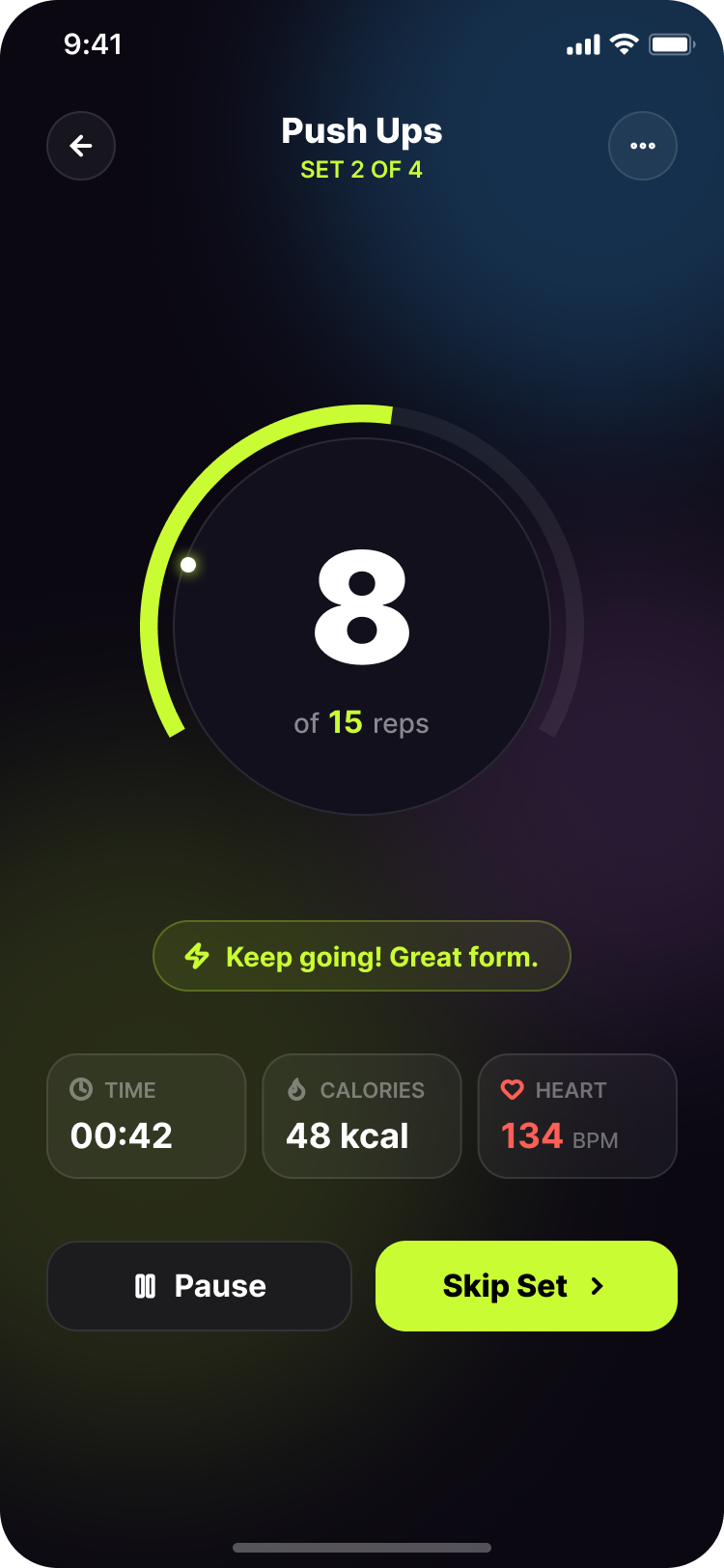
Reps are detected and counted from movement, so nothing has to be tapped or logged by hand.
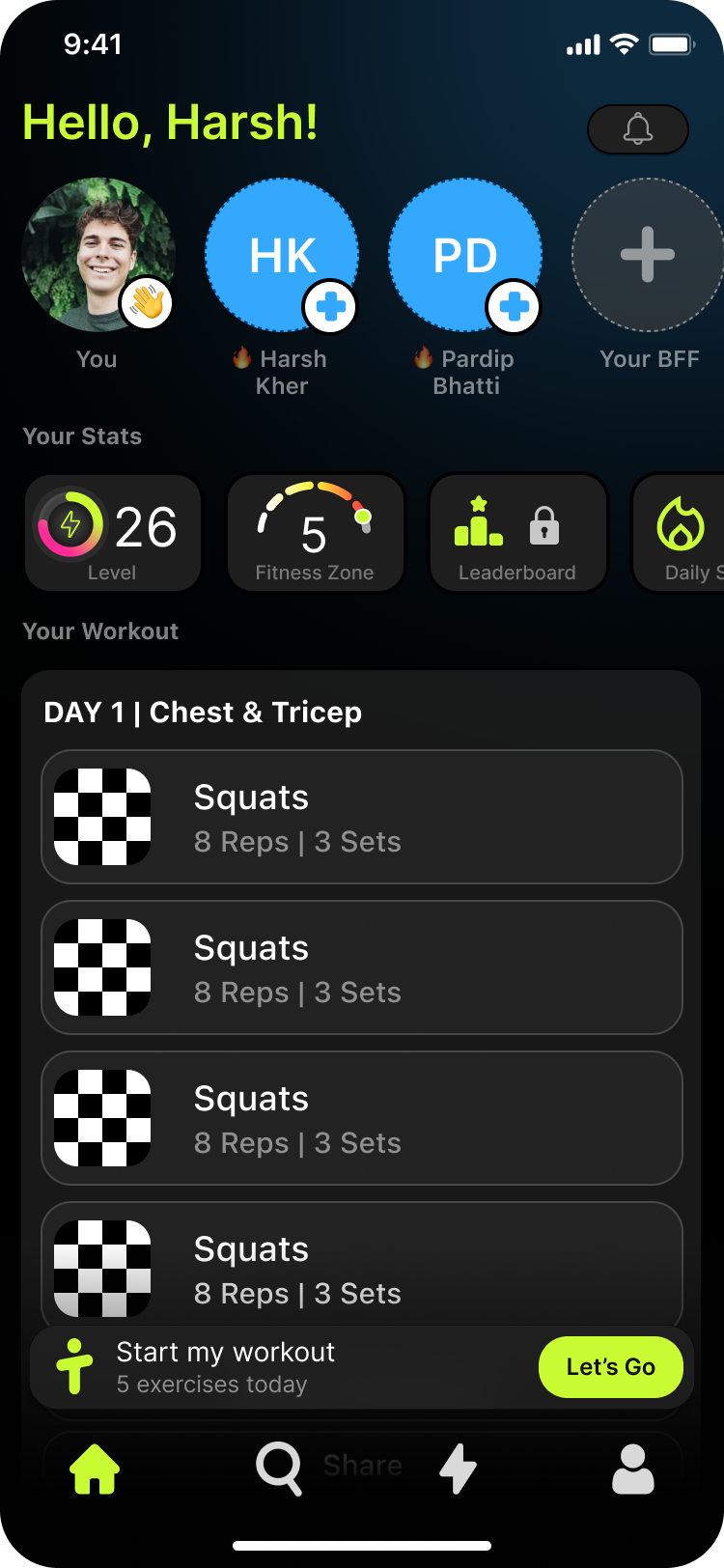
Beautiful home user friendly home screen, Easy to pick your exercise, easy to see your stats. Home screen is smart enough to show your exercise day wise.
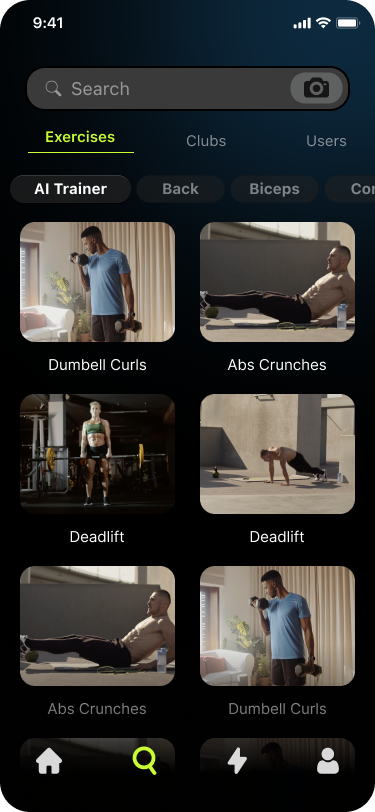
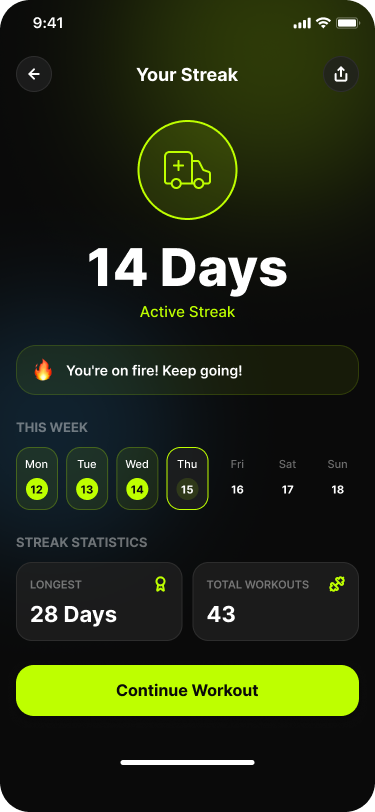
Quick search for more exercise and a streak count that grows every time exercises are completed, giving sessions a reason to continue.
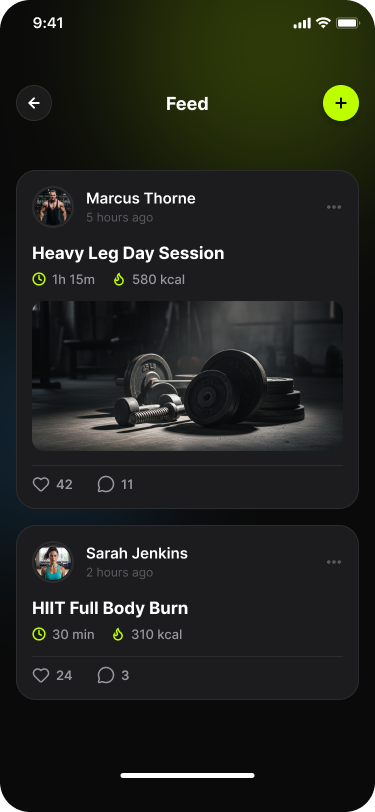
Post after finishing an exercise, then collect likes, comments and kudos from friends on the feed.
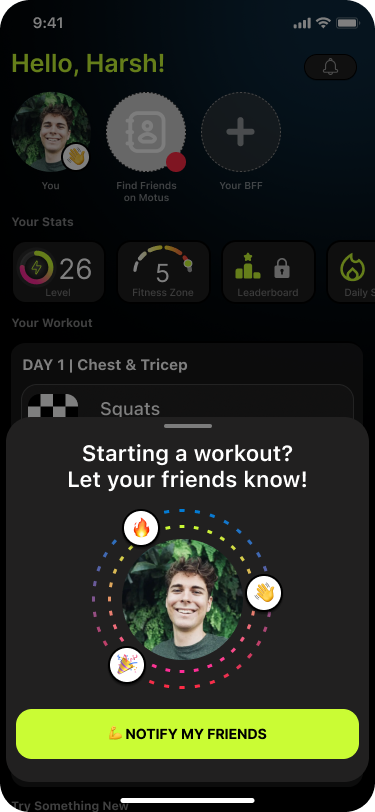
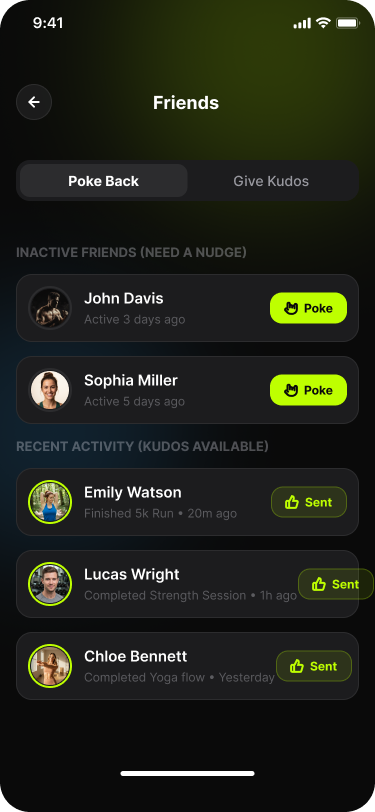
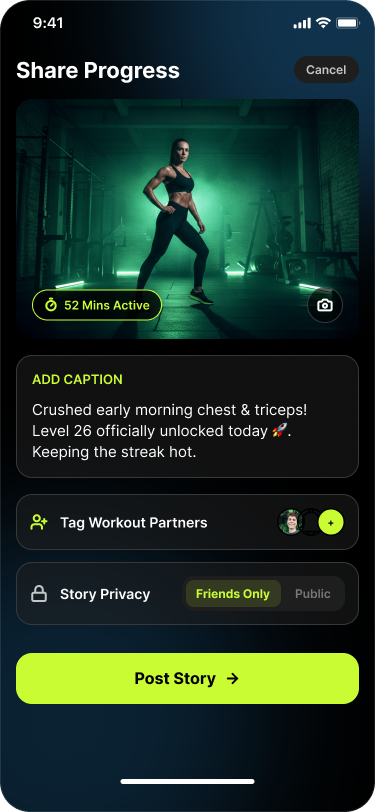
Share stories from a session, or poke a friend to nudge them into getting their own workout done.
The session starts with a selection flow: the user chooses exactly which exercises they plan to do that day, and the app builds the session around them.
As an exercise begins, GuruSDK body tracking starts through the camera and screen recording starts alongside it, capturing the set as it happens.
Posture data is translated into rep counts — pushups, for example, are tallied automatically as the user moves through the movement pattern.
Each exercise is structured into sets, such as 10 pushups per set, with a 30-second interval before the app moves on to the next set of exercises.
Completing exercises pushes the streak count up, and the user can post straight to the feed or to stories the moment the exercise is finished.
Tell us about your project. We'll come back within a business day with a scoped plan and a straight answer.