A phone-sized studio where anyone can write a picture
book
Talez turns backgrounds, characters, text, doodles and voice into illustrated multi-page stories — built page by page on a phone, shared in a tap.
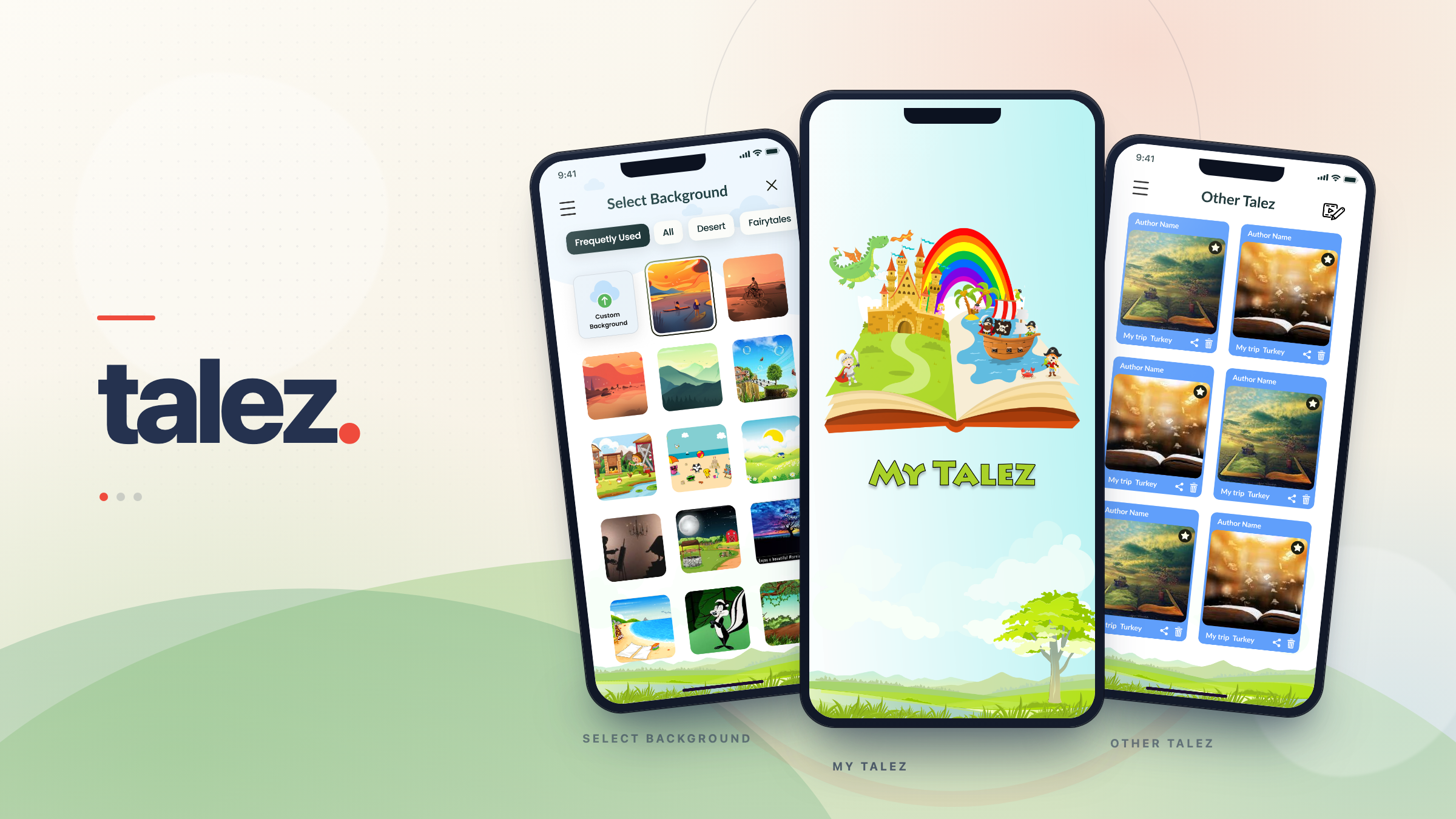
Storybook craft, compressed into one thumb-reachable canvas?
Talez asked for a mobile app where children, parents and teachers could build light-hearted illustrated stories without a laptop, a design tool, or a tutorial. Every story is assembled a page at a time: pick a scene, drop in characters, add text, draw on top, record a narration, then save it privately or share it with the world.
We designed the full product surface — splash, auth, navigation, dashboard, the page editor and its tool sheets, the story libraries, sharing, profile and feedback — on a single pastel sky-and-meadow visual system that keeps the app feeling like a playground rather than a piece of software.
- Page-by-page editor with a full-bleed canvas and a vertical tool rail
- Background library, character grid, text, drawing and audio in one sheet system
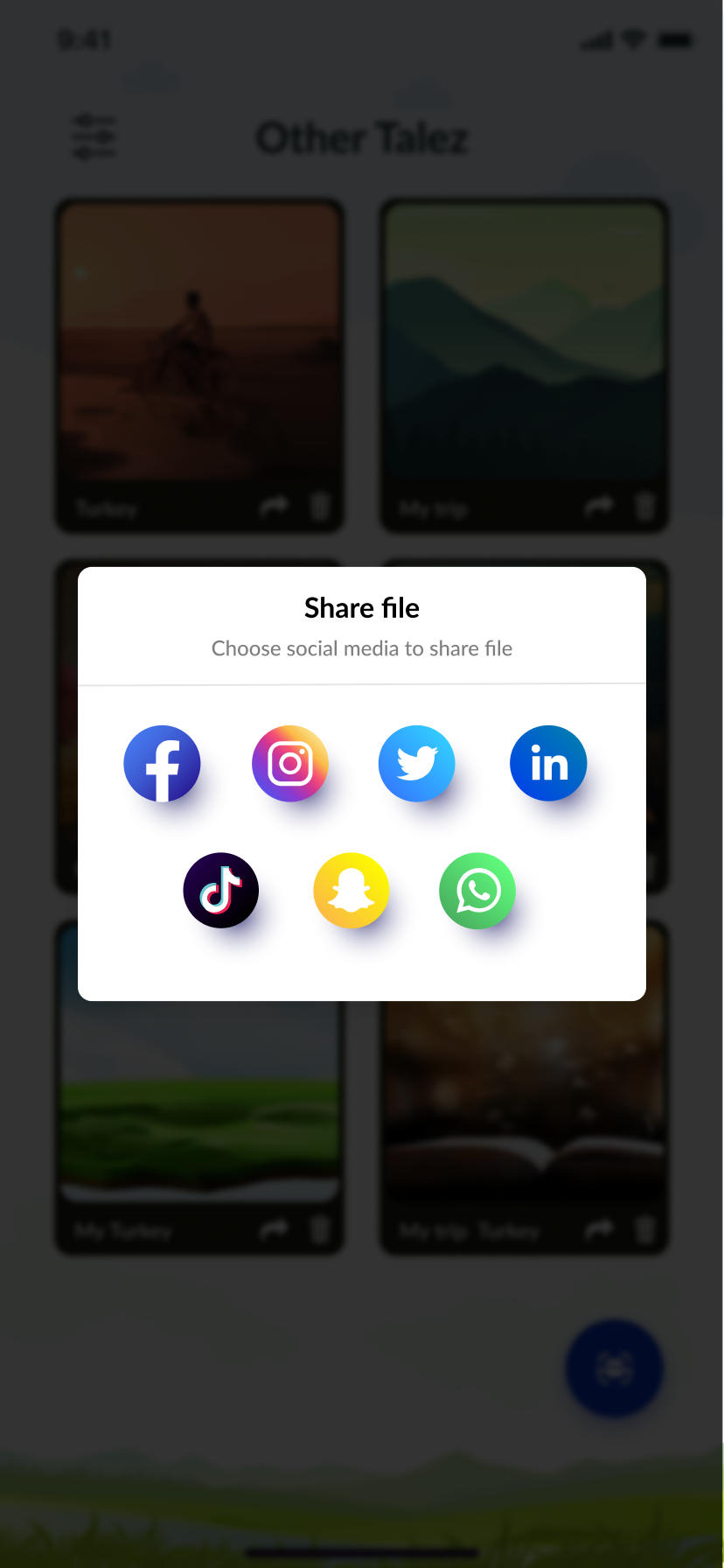
- Private or public save, plus a seven-network share sheet
- Story libraries for saved, draft, favourite and community talez
Authoring tools are built for pros. This one is for eight-year-olds.
A multi-layer editor on a five-inch screen is a hard brief on its own. Doing it for an audience that spans children, parents and teachers meant removing every assumption about prior software literacy.
Too many tools, too little screen
Backgrounds, stickers, text, drawing and audio all needed to be one tap away without ever covering the page being made.
Three audiences, one interface
Kids need obvious, oversized targets. Parents and teachers need account controls, drafts and safe sharing. Neither could get a separate app.
Sharing that parents trust
Public feeds and social networks sit next to a child's work, so the private-or-public decision had to be explicit at the moment of saving.
Playful without being noisy
A pastel storybook world had to carry login forms, dialogs and settings screens without turning them into visual clutter.
Onboarding that gets out of the way
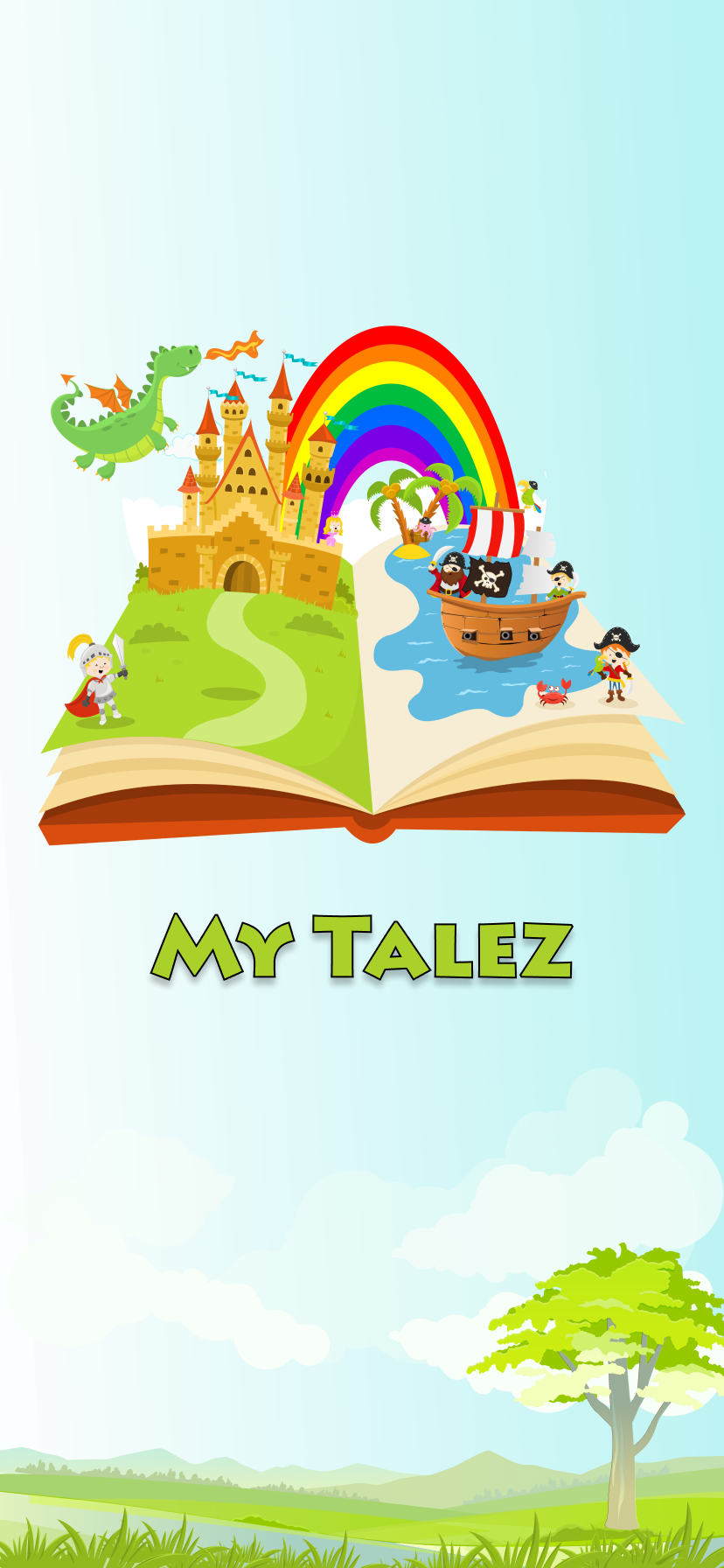
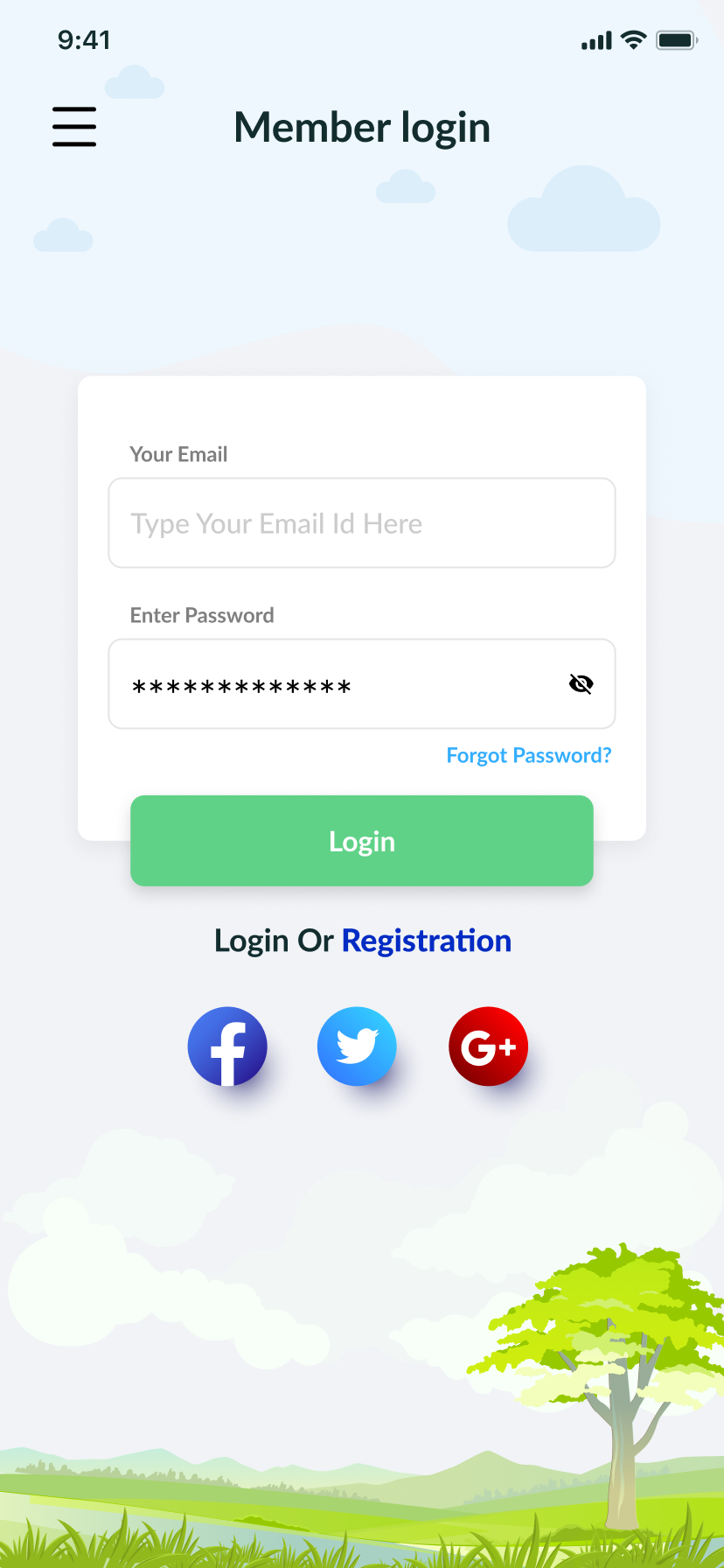
An open storybook splash with castle, dragon and pirate ship sets the tone; login, registration and recovery share one layout plus social sign-in.
One red button to start
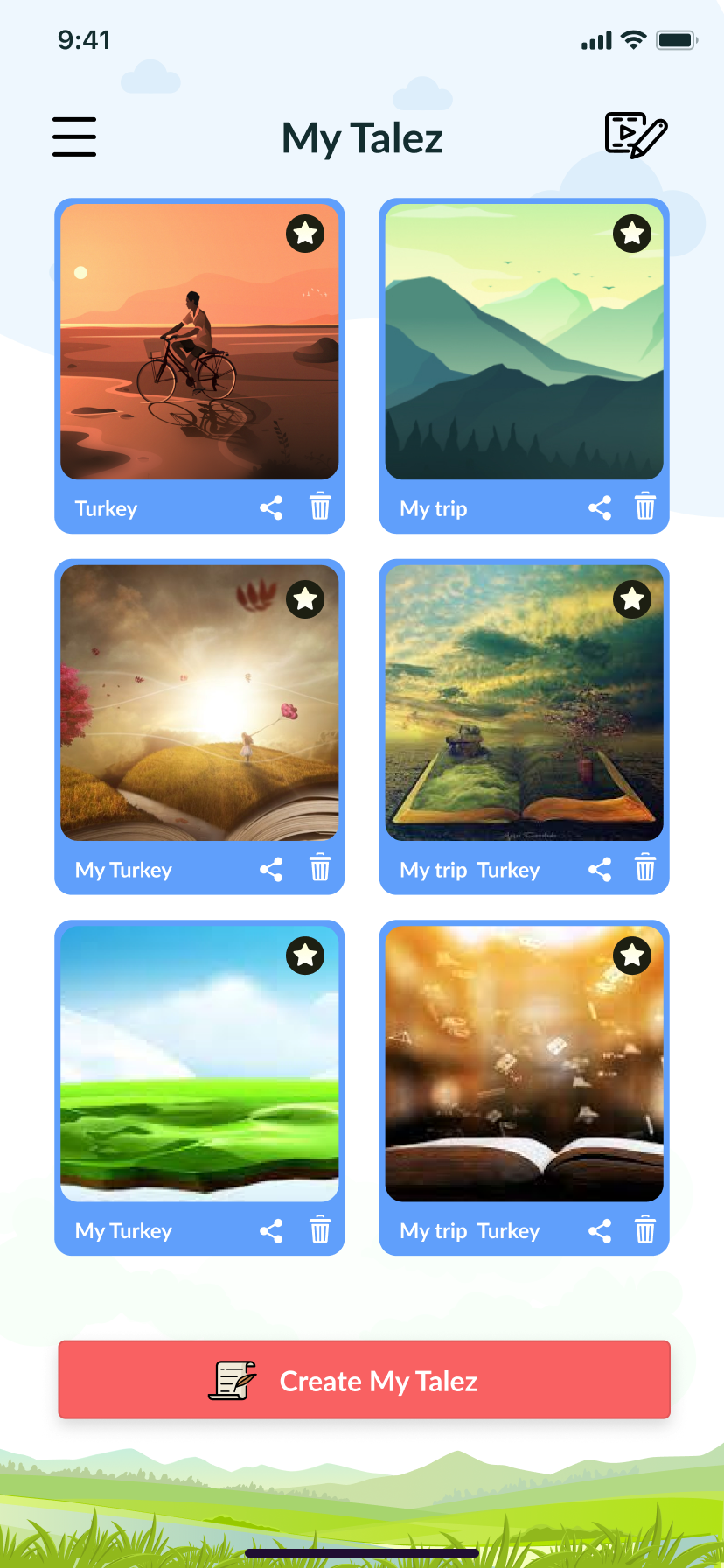
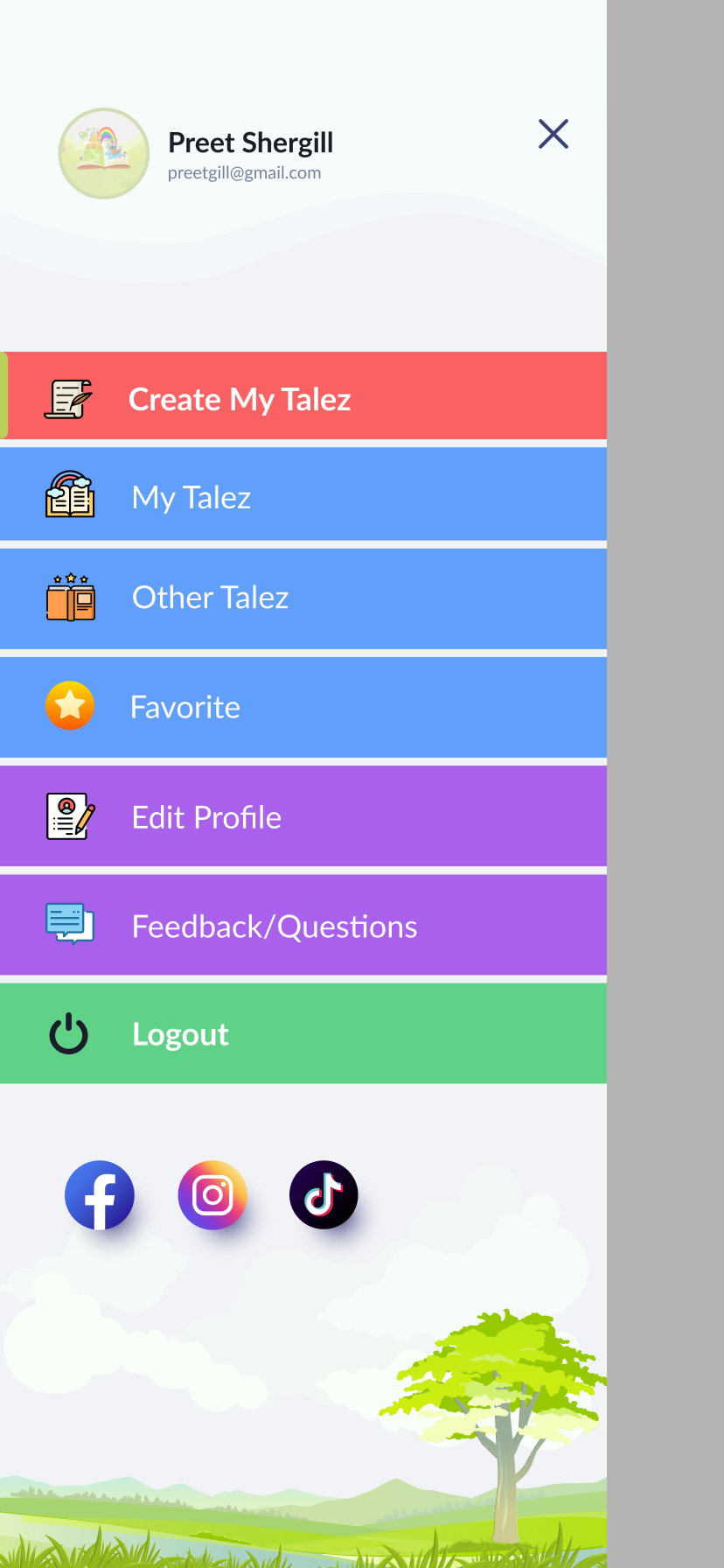
The dashboard does exactly one thing: Create My Talez. Everything else lives behind a drawer with avatar, libraries, profile, feedback and social links.
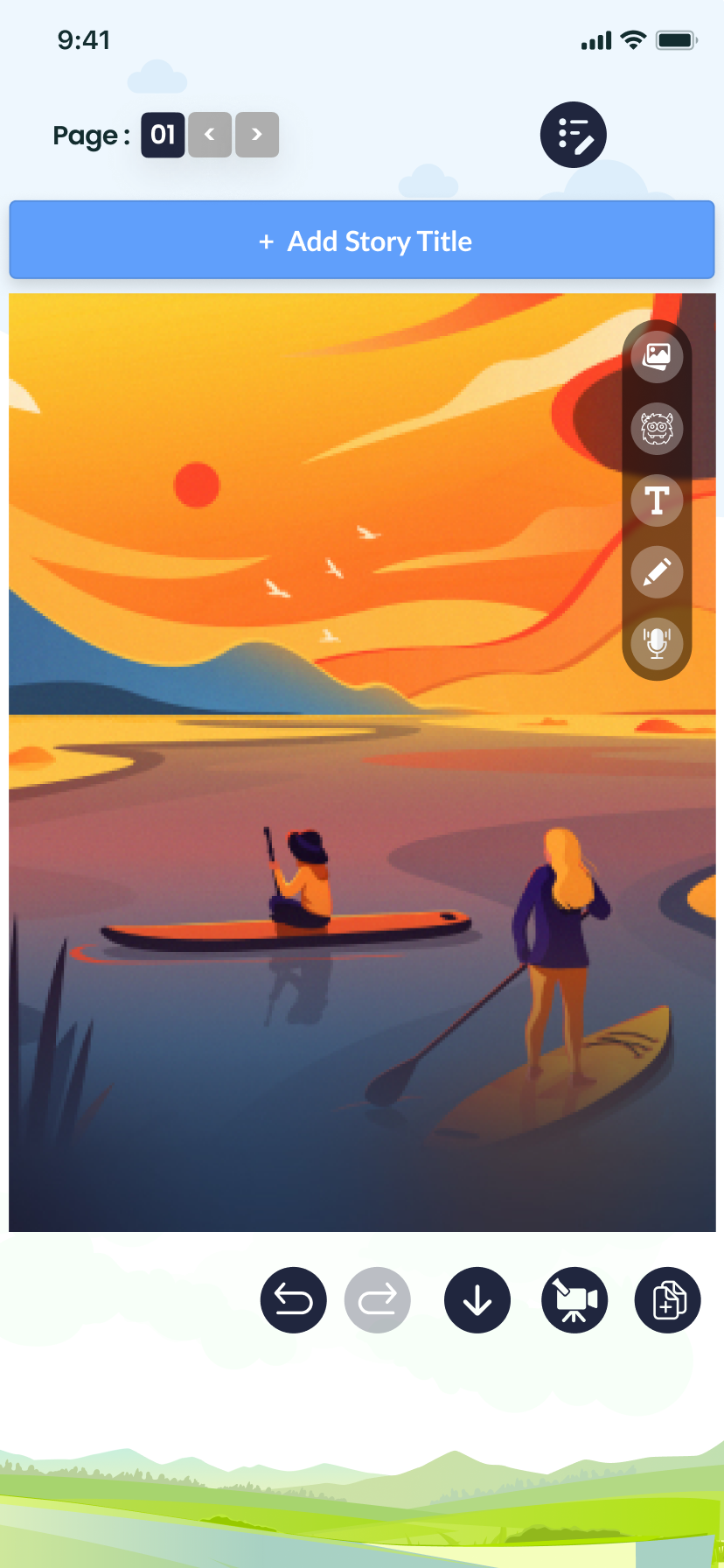
The page editor
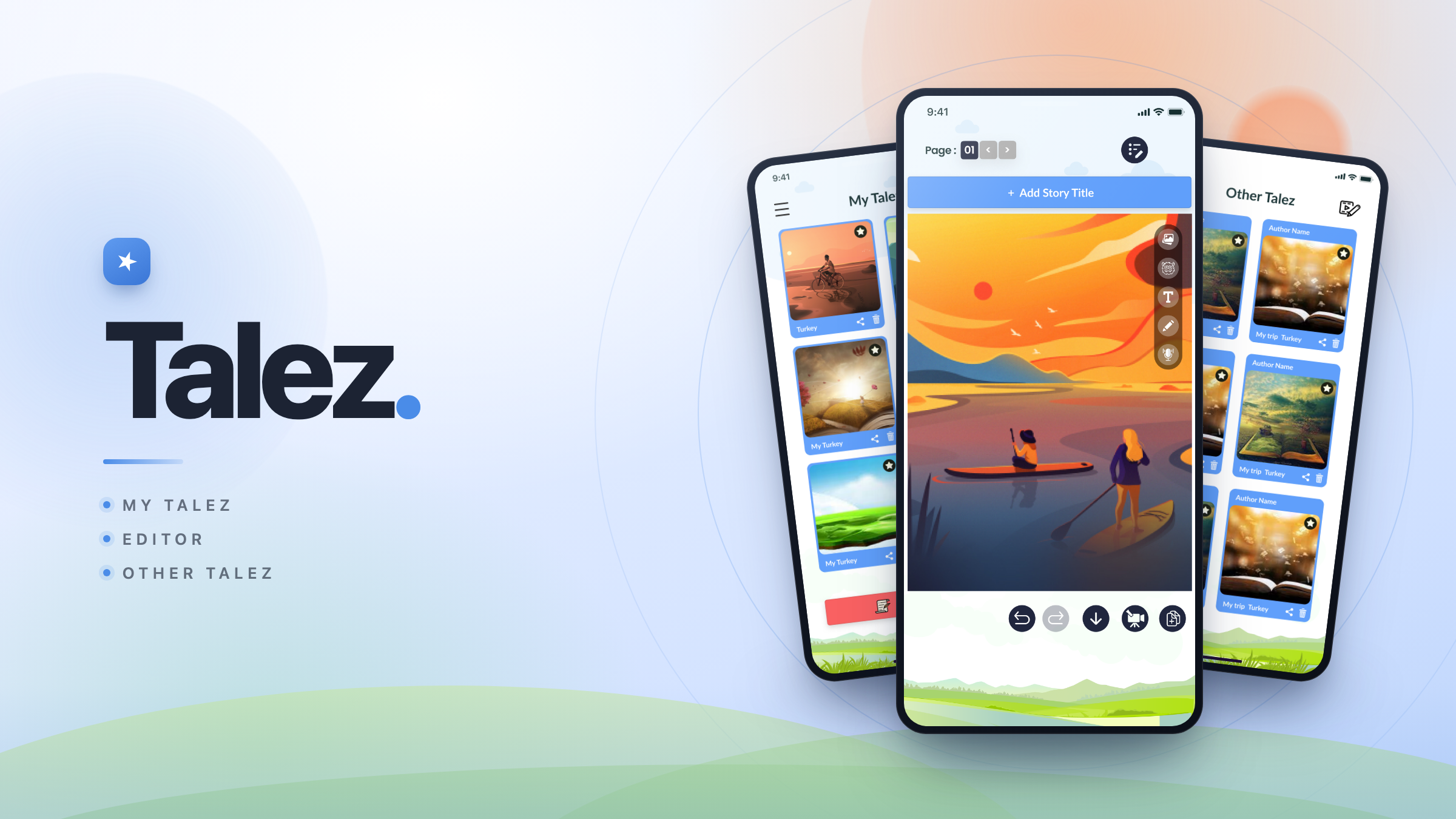
A full-bleed canvas with a page counter and next/previous arrows, a vertical right-hand tool rail, and a bottom bar for undo, redo, save, video and duplicate.
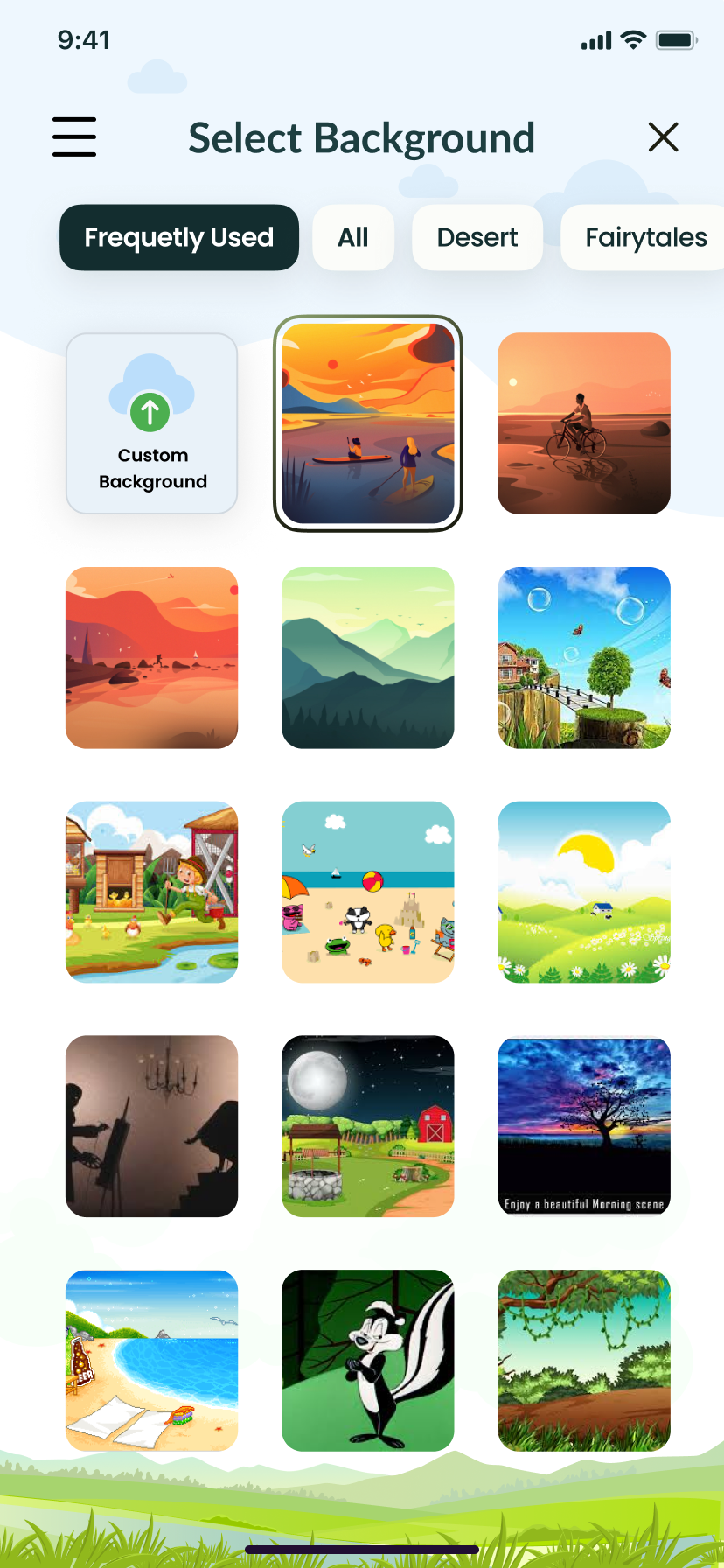
Scenes
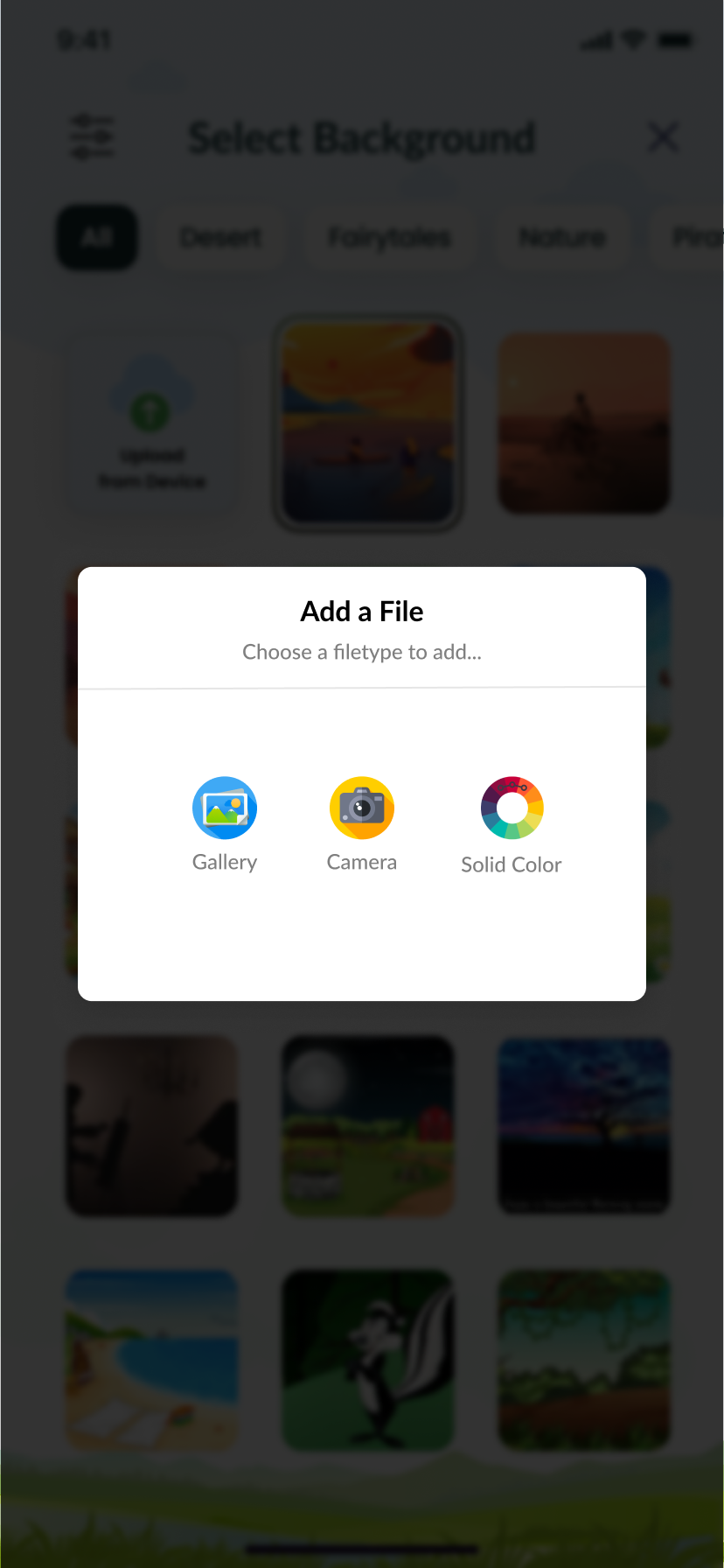
A tabbed background library — Frequently Used, All, Desert, Fairytales, Nature — plus custom uploads from gallery, camera or a solid colour.
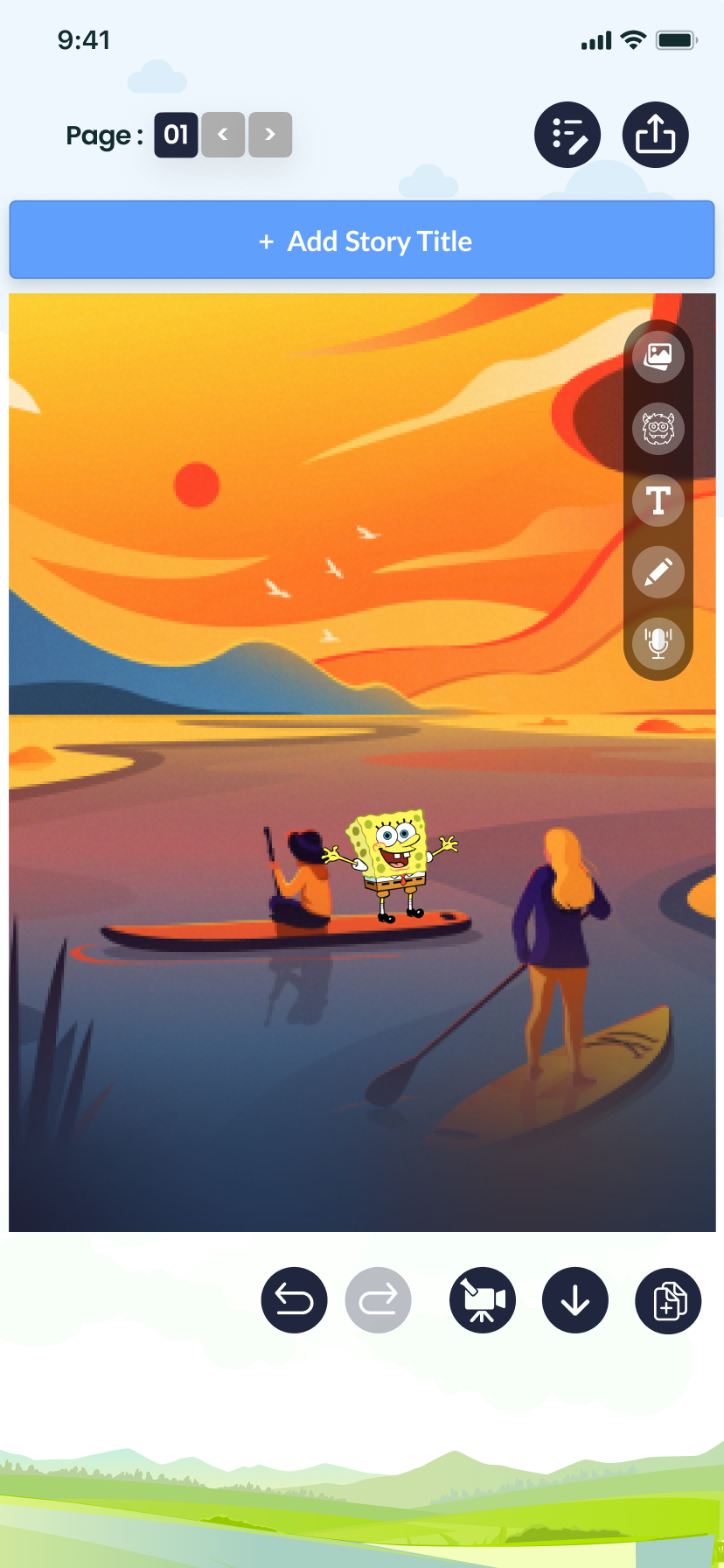
Cast
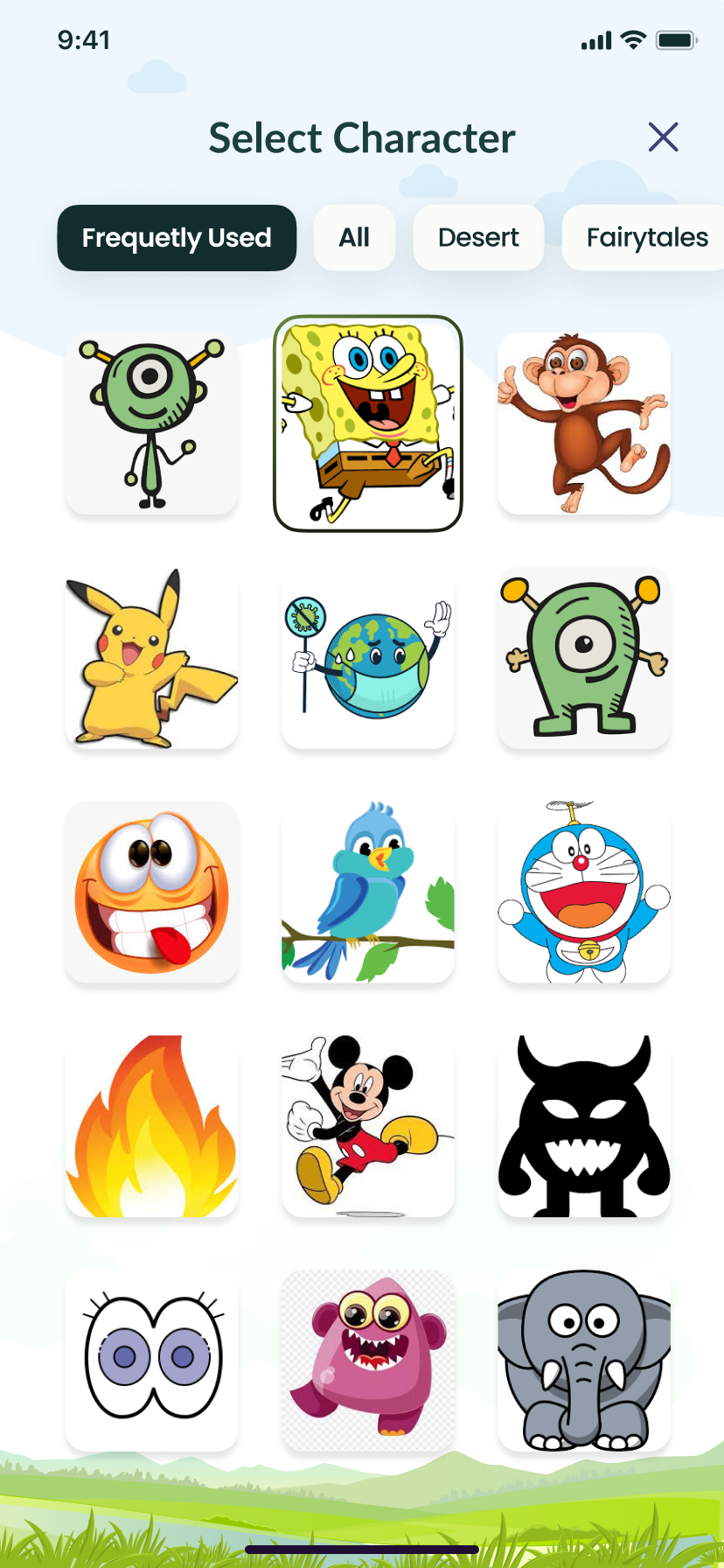
A grid of cartoon characters and stickers, dropped straight onto the scene and then resized and positioned by hand.
Libraries
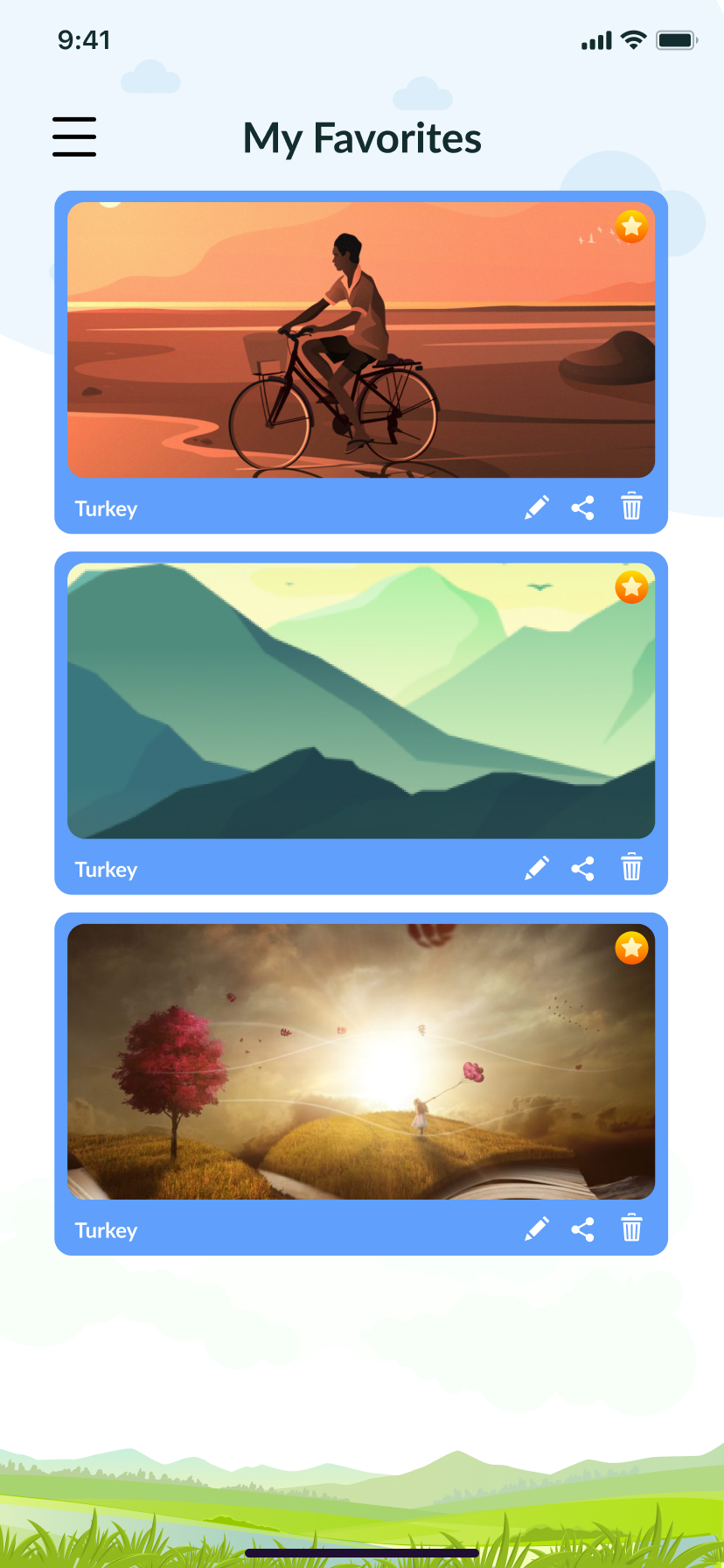
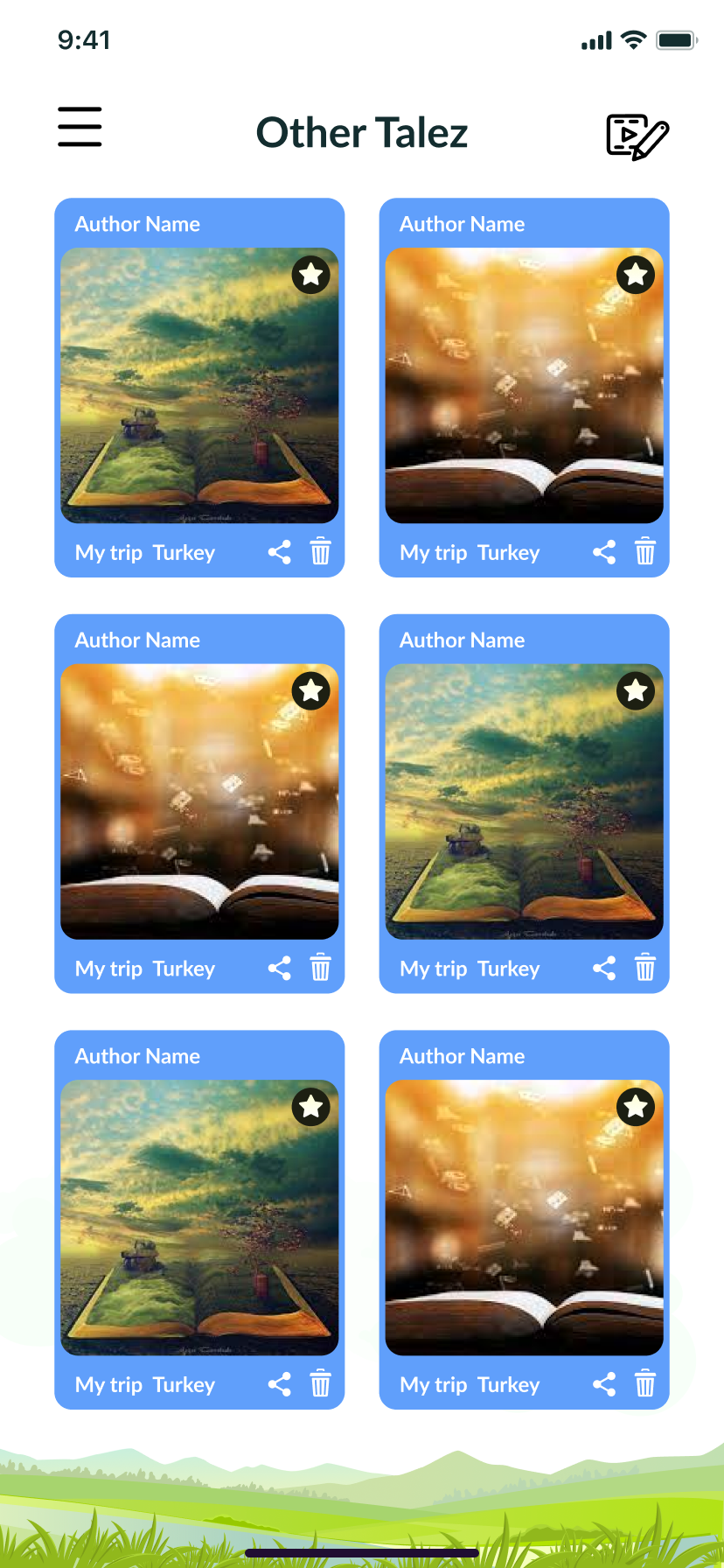
Saved, draft and favourite stories in scannable grids, plus an author feed of Other Talez for reading what everyone else has made.
Sharing and voice
Narration or playlist audio recorded onto a page, and a share sheet spanning seven networks once a story is made public.
How we kept a multi-layer editor feeling like play.
We worked outward from the canvas. Every other screen in the app exists to protect the moment a child is placing a dragon on a meadow.
We designed the editing surface before the shell. The page fills the screen; tools sit on a narrow vertical rail so nothing important is ever hidden behind a thumb.
Backgrounds, characters, media and file uploads all open as bottom or overlay sheets. The story stays visible underneath, so choices are made in context and dismissed in one gesture.
The sky-and-meadow backdrop runs behind login, dialogs, libraries and settings. Consistent rounded cards, soft shadows and a single red call-to-action keep hierarchy obvious at a glance.
Rather than burying privacy in settings, the save dialog asks private or public every time. Sharing, favouriting and deleting sit on each story card so control stays with the author.
Portrait-first, storybook-soft.
Oversized tap targets, high-contrast icons on pastel fields, and illustration that carries the brand into functional screens — profile editing and feedback included.
Let's ship
the next one.
Tell us about your project. We'll come back within a business day with a scoped plan and a straight answer.