How to Build an App Like InstaShop in Dubai: Cost, Features & Tech Stack
Learn how to build a grocery delivery app like InstaShop in Dubai, including development costs, key features, technology, business models, licensing considerations, and delivery requirements.

Niti Aggawal
·13 min read
Grocery shopping has moved from supermarket aisles to mobile screens.
Customers want to search for products, compare options, place an order, pay, and track delivery without having to call the store.
For a supermarket, grocery chain, or startup, that means building a grocery delivery app involves much more than creating a product catalogue.
The platform has to connect customers, stores, inventory, payments, drivers, orders, and administration.
So, how do you build an app like InstaShop in Dubai?
The main things to work out are the business model, app features, technology stack, development cost, delivery workflow, and local Dubai requirements.
This guide covers each of them step by step.
What Should You Decide Before Building a Grocery App?
Before development begins, decide how the business will actually work.
A single-store app, a multi-vendor marketplace, and an instant delivery platform may all look similar to customers, but their technology and operations are very different.
- Store model: Decide whether one supermarket will sell through the app or whether multiple stores will join the platform.
- Delivery model: Decide whether deliveries will be scheduled, on-demand, or built around a faster instant-delivery promise.
- Inventory model: Decide whether stores will update stock manually or whether the app will connect to an existing inventory or POS system.
- Launch area: Decide where the service will start. A limited delivery area is easier to manage than launching across Dubai from day one.
- Language and payments: Decide early whether the app will support Arabic and English and which payment methods the business will accept.
Getting these decisions right at the beginning makes the rest of the project much easier to scope.
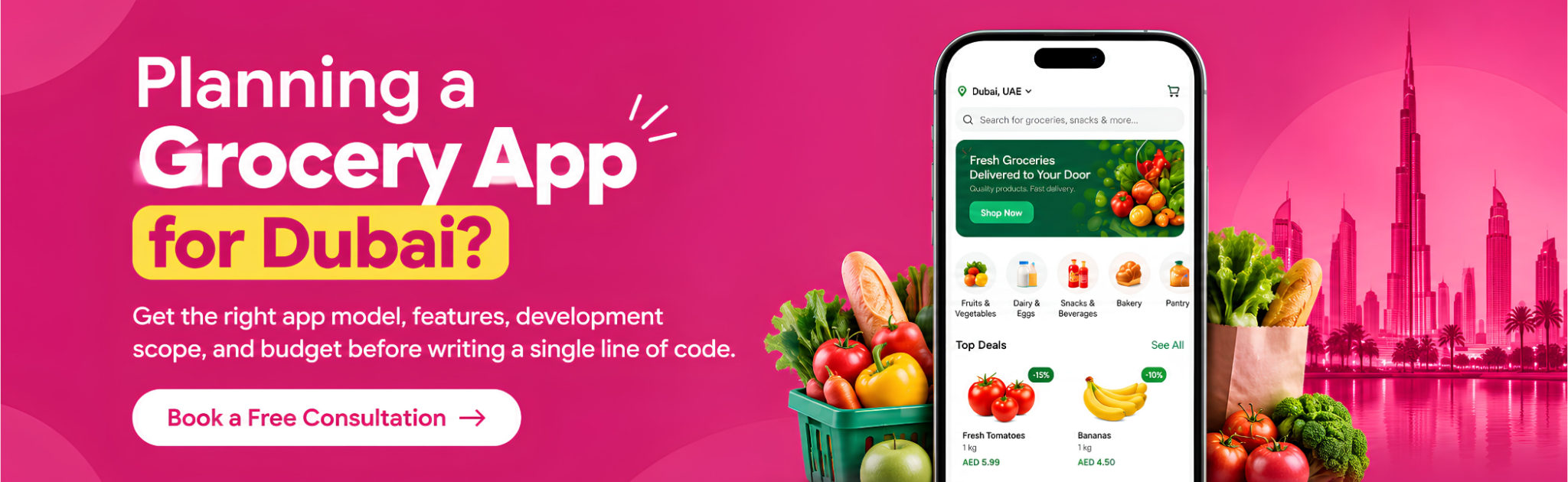
Which Type of Grocery App Should You Build?
The app model should match the way the business plans to operate.
1. Multi-Vendor Grocery App
A multi-vendor grocery app allows several stores to sell through one platform.
Customers can browse stores and products, place orders, and receive deliveries through the same service. The platform can earn through vendor commissions, delivery fees, service charges, featured listings, or subscriptions.
This is the model closest to an InstaShop-style marketplace.
2. Single-Store Grocery App
A supermarket or grocery chain can build a branded online grocery ordering app for its own customers.
Because the retailer controls the catalogue and customer relationship, it also has more control over branding, promotions, loyalty, and delivery operations.
3. On-Demand Grocery App
An on-demand grocery app can offer scheduled or same-day delivery based on available slots.
This model can work well for supermarkets that already have physical stores and local inventory.
4. Instant Grocery Delivery App
An instant grocery delivery app focuses on much faster fulfilment.
That means inventory, dispatch, driver assignment, and delivery zones need to be tightly connected. Nearby inventory or dark stores may also be part of the operating model.
5. Grocery Aggregator
A grocery aggregator brings multiple stores into one application.
The customer orders through the platform, while the individual stores may manage fulfilment and delivery depending on the business model.
What Makes Grocery App Development Different in Dubai?
Dubai is not simply another location to add to the app title. Local business, delivery, payment, language, and compliance requirements can affect how the platform is designed.
1. E-Commerce Licensing
The UAE requires businesses carrying out e-commerce activities to have the appropriate licence and approvals. For mainland operations in Dubai, the relevant licensing authority is the Dubai Department of Economy and Tourism, while free-zone businesses follow the requirements of their respective free-zone authority.
For the development team, this means the business structure and operating model should be understood before finalising the platform.
2. Arabic, English, and Digital Invoices
A Dubai-facing grocery platform may need both Arabic and English experiences. Arabic should be planned at the design level so that right-to-left layouts work properly rather than being added as a simple translation later.
UAE consumer-protection and e-commerce rules also include requirements around Arabic product/service information and digital invoicing.
3. VAT and Pricing
The UAE's standard VAT rate is 5%, subject to the applicable tax rules. That means pricing, checkout, receipts, and reporting should be designed with the business's tax requirements in mind.
The app does not decide whether a business must register for VAT; that depends on the business's tax position and applicable rules.
4. Delivery Operations
A grocery delivery app in Dubai also needs to consider the physical delivery operation.
Dubai's RTA has issued requirements covering delivery services, including smart platforms, motorbike delivery operations, driver training, vehicle and safety requirements, and delivery practices.
That makes features such as driver status, delivery assignment, navigation, proof of delivery, and order tracking more than just optional UI elements.
5. Data Privacy
Grocery apps handle customer names, phone numbers, addresses, orders, and payment-related information.
The UAE Personal Data Protection Law provides a federal framework covering the processing and protection of personal data, including obligations around security, privacy, consent, and certain cross-border transfers.
For development, privacy and security should therefore be considered from the architecture and data-flow stage.
Should You Build an InstaShop Clone or Custom App?
A ready-made clone and a custom grocery app solve different problems.
A clone or pre-built solution can reduce initial development work and help test a basic concept. A custom app takes more time, but gives the business greater control over design, integrations, workflows, and future changes.
An InstaShop-style app should copy the business concept, not another company's brand, content, or visual identity.
For a serious grocery delivery platform, the decision should come down to the business roadmap rather than simply choosing the cheaper option.
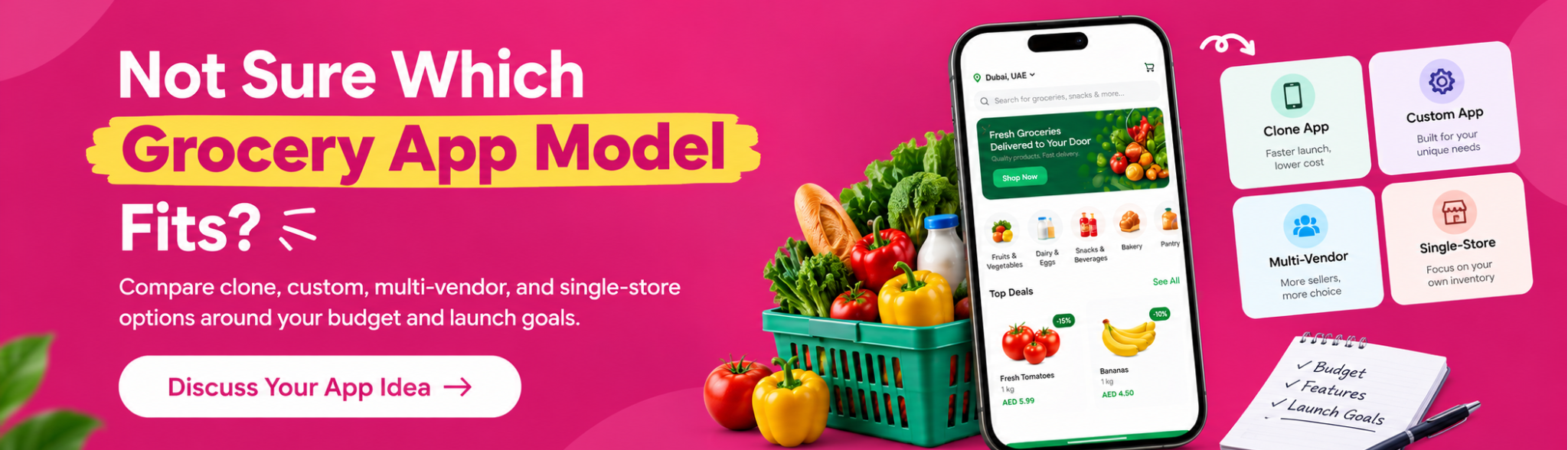
What Features Does a Grocery Delivery App Need?
A grocery delivery platform is normally made up of four connected products: the customer app, vendor app, driver app, and admin panel.
1. Customer App
The customer side should make the complete ordering journey simple.
Search, filters, product details, cart, checkout, saved addresses, payment, delivery slots, order history, reorder, notifications, and real-time tracking are the main building blocks.
For a Dubai-focused product, Arabic and English support should be considered during UI/UX design rather than after development.
2. Vendor App
The vendor application is where stores manage the products and orders coming from customers.
The important workflows are catalogue management, stock updates, order acceptance, picking, substitutions, store timings, promotions, and payouts.
3. Driver App
The driver application needs to make each delivery easy to understand and complete.
Order assignment, pickup details, navigation, customer contact, status changes, location sharing, and proof of delivery cover the core workflow.
4. Admin Panel
The admin side brings the whole platform together.
It should give the business a clear view of customers, stores, drivers, products, orders, payments, delivery zones, commissions, promotions, and reports.
How Does Real-Time Grocery Order Tracking Work?
Real-time tracking starts when a customer places an order and continues until the groceries are delivered.
The store receives the order and prepares it. The system then assigns a driver; the driver's phone shares location data, and the customer sees updates as the order moves from preparation to pickup and delivery.
Technically, this can involve GPS, mapping services, push notifications, WebSockets, and backend services that keep driver and order status in sync.
The useful part is not simply showing a moving dot on a map. The customer should also understand whether the order is being prepared, waiting for pickup, on the way, or completed.
For the business, that same information can help the support and operations teams understand where an order is without calling the store or driver.
Which Tech Stack Should You Use for Grocery Apps?
There is no single “best” tech stack for every grocery delivery application.
The right choice depends on the number of users, number of stores, integrations, delivery model, and expected growth.
1. Mobile App Development
Flutter or React Native can be used when the business wants iOS and Android applications built from a shared development approach.
The choice should be based on the required features, integrations, performance requirements, and technical setup.
2. Backend
The backend controls the main business logic behind customers, stores, products, inventory, orders, drivers, payments, notifications, and delivery workflows.
3. Database
PostgreSQL can store structured data such as products, stores, customers, orders, transactions, and delivery records.
Redis can support use cases where the application needs fast access to frequently used or temporary data.
4. Maps and Location
Maps are used for more than just showing a delivery route.
They can support address selection, driver navigation, delivery zones, distance calculations, and live location tracking.
5. Payments
Payment integration should be chosen around the business's target customers, available payment methods, transaction flow, refund handling, and commercial agreements with the payment provider.
For a Dubai grocery platform, payment planning should happen before development is too far along because checkout affects the order and financial workflows.
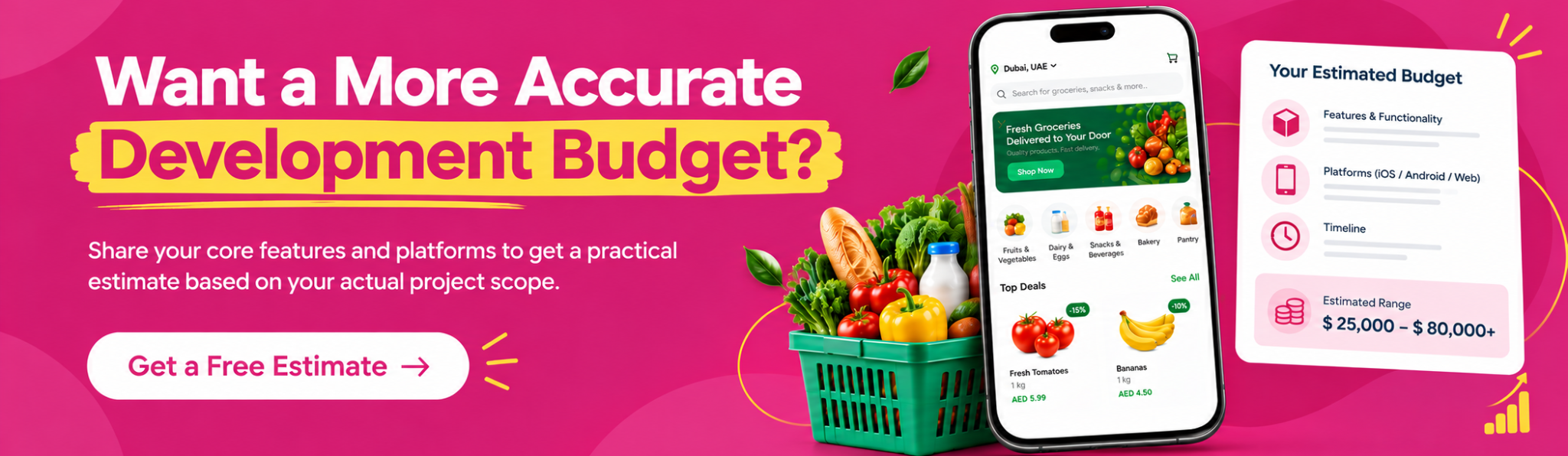
How Much Does It Cost to Build a Grocery App?
Grocery app development cost depends mainly on scope.
A basic single-store ordering app has very different requirements from a multi-vendor platform with inventory integrations, drivers, live tracking, and multiple delivery zones.
The planning ranges used in this guide are:
These should be treated as planning ranges rather than fixed market quotations. The actual cost depends on the project scope, features, platforms, integrations, design, and operating model.
What Changes the Development Cost?
The biggest cost differences usually come from a few areas.
- Number of applications: Building only a customer app is very different from building customer, vendor, driver, and admin systems.
- Marketplace complexity: Multi-vendor functionality adds vendor onboarding, commissions, catalogue management, payouts, and order workflows.
- Inventory integration: Connecting with a supermarket's existing inventory or POS system can add substantial development work.
- Delivery management: Real-time tracking, driver allocation, delivery zones, and dispatch rules increase technical complexity.
- Arabic and RTL: Supporting Arabic properly affects design, content handling, navigation, testing, and layout.
- Additional business features: Loyalty, subscriptions, advanced analytics, AI recommendations, and multi-city support can increase both development time and budget.
This is why there is no single price for an “InstaShop clone.”
How Do You Build a Grocery Delivery App Step by Step?
Once the scope is clear, the development process can be broken into practical stages.
Step 1: Define the Business Model
Choose whether the platform will be single-store, multi-vendor, on-demand, instant delivery, or an aggregator.
At this stage, also decide how the business will earn money because commissions, delivery fees, subscriptions, and promotions can affect the product structure.
Step 2: Choose the First Delivery Area
Instead of trying to cover all of Dubai immediately, start with a defined area and a manageable number of stores.
This makes it easier to understand delivery times, driver availability, customer demand, and operational costs before expansion.
Step 3: Plan the MVP
The MVP should support one complete order from beginning to end.
A simple starting flow is:
Customer: Browse → Cart → Checkout → Tracking
Store: Receive → Pick → Pack → Ready
Driver: Accept → Navigate → Deliver
Admin: Manage → Monitor → Report
Features that are not necessary for the first version can be added after the core workflow is tested.
Step 4: Design and Develop
Design the major customer, store, driver, and admin flows before development starts.
Then connect the required payment, map, notification, inventory, order-management, and tracking systems.
Step 5: Test Real-World Scenarios
Do not stop at screen-level testing.
Test what happens when an item is out of stock, a payment fails, a driver becomes unavailable, an order is rejected, an address changes, or a customer asks for a substitution.
These situations are part of everyday grocery operations.
Step 6: Launch and Improve
Start with the defined launch area, track how customers use the product, and fix operational problems before expanding.
The first version does not need to be perfect. It needs to make the ordering and delivery process work reliably.
How Can a Grocery Delivery App Make Money?
There are several ways to build revenue into a grocery delivery platform.
1. Vendor Commissions
Stores can pay the platform a percentage of completed orders. This is a common model for marketplace-style grocery businesses.
2. Delivery Fees
Customers can be charged according to delivery distance, order value, delivery window, or the service model.
3. Service Fees
A separate platform or convenience fee can be applied where the business model supports it.
4. Subscriptions
A paid plan can offer customers benefits such as free or discounted delivery.
5. Featured Listings
Stores and brands can pay for additional visibility inside the marketplace.
The important part is to choose a revenue model that works with the expected order volume and delivery economics rather than adding every possible fee.
What Mistakes Should You Avoid When Building a Grocery App?
Some grocery apps struggle because of operational problems rather than poor design.
1. Inaccurate Inventory
An item appearing available when it is actually out of stock quickly creates a poor customer experience.
The platform should either connect with inventory systems or give store teams an easy way to update stock.
2. Too Many Features at Launch
Adding every possible feature makes the first version more expensive and harder to test.
The MVP should focus on the workflow needed to complete a successful order.
3. Poor Arabic and RTL Support
Arabic should not be treated as a last-minute translation task.
The interface, navigation, spacing, alignment, and content structure should support RTL properly.
4. Weak Delivery Planning
Driver availability, delivery zones, dispatch rules, and peak ordering periods should be considered while the product is being designed.
5. No Clear Inventory Strategy
Decide how products will be added, updated, priced, marked unavailable, substituted, and synchronised with store systems.
6. Ignoring Post-Launch Work
After launch, the platform may need bug fixes, security updates, performance improvements, analytics, API changes, and new features based on customer feedback.
How Can LoudOwls Help Build an App Like InstaShop?
LoudOwls provides grocery delivery app development services for businesses that need connected customer, vendor, driver, and admin platforms.
The development scope can cover product discovery, feature planning, UI/UX design, iOS and Android development, Flutter or React Native development, backend development, vendor management, driver applications, payment integration, maps, real-time tracking, admin dashboards, API integrations, testing, publishing, and post-launch support.
The approach can be adapted to the business model rather than forcing the product into a fixed template.
That could mean a single-store grocery ordering app, a multi-vendor grocery marketplace, an on-demand grocery platform, or an instant delivery service.
LoudOwls has delivered 250+ projects for 150+ clients across 20+ countries, including mobile applications and software products.
Frequently Asked Questions
1. How much does it cost to build an app like InstaShop?
A basic grocery delivery app can start at around AED 50,000. A multi-vendor platform with customer, vendor, driver, and admin apps can cost AED 100,000–200,000 or more, depending on features, integrations, payment systems, inventory, and delivery requirements.
A simple single-store app will usually cost less than an InstaShop-style marketplace because it has fewer users, vendors, workflows, and management tools to build.
2. How much does grocery delivery app development cost in Dubai?
The cost depends on the type of grocery platform you want to build. A single-store app may cost AED 50,000–100,000, while a multi-vendor platform may cost AED 100,000–200,000. An instant delivery platform can reach AED 150,000–250,000+, while enterprise platforms may start from AED 250,000+.
The final cost depends on the features, number of apps, integrations, design, and delivery model. Very low quotes may involve ready-made solutions with limited customisation, so check what is included before comparing prices.
3. How long does it take to build a grocery delivery app?
A single-store grocery app can take around 2–3 months to develop.
A larger multi-vendor grocery platform with customer, vendor, driver, and admin applications can take around 4–6 months or more.
The timeline can increase when the project includes custom inventory or POS integrations, Arabic and RTL design, multiple payment gateways, advanced analytics, loyalty systems, or instant-delivery workflows.
4. How does InstaShop make money?
InstaShop operates as a marketplace connecting customers with local vendors. Its revenue model has included vendor commissions, delivery fees, and visibility-related services.
A similar grocery platform can also generate revenue through service fees, subscriptions, featured listings, and advertising. The right mix depends on the platform’s stores, delivery model, and pricing strategy.
5. Who owns InstaShop now?
Talabat owns InstaShop.
Talabat completed the acquisition of 100% of InstaShop's share capital on 25 February 2025, acquiring it from Delivery Hero for approximately USD 32 million. Talabat said InstaShop would continue operating as an independent brand within its Grocery and Retail business.
This is useful to know when researching how to build an InstaShop-style platform because the current business is part of a larger grocery and retail ecosystem.
6. Should I build a native or cross-platform grocery app?
For many grocery businesses, Flutter or React Native can be a practical option because the same development approach can support both iOS and Android.
Native development can make more sense when the product depends heavily on platform-specific capabilities, highly customised performance requirements, or deep integration with native features.
The decision should be based on the app's features, integrations, performance expectations, development budget, and long-term roadmap rather than choosing one approach simply because it is popular.
7. Will I own the source code of my grocery app?
That depends on the development agreement.
With a custom grocery delivery app, the contract can define ownership and handover of the source code, design files, APIs, documentation, and other project assets.
Ready-made or clone solutions can work differently because the underlying code may be licensed rather than fully transferred.
Before development starts, clarify source-code ownership, hosting access, third-party licences, intellectual property rights, and post-launch access in writing.
8. How much does it cost to maintain a grocery app after launch?
A grocery app may cost around 15–20% of its original development cost per year for ongoing maintenance, though the actual cost varies by platform complexity.
Maintenance can include bug fixes, OS updates, security, cloud infrastructure, monitoring, API updates, support, and new features. Multi-vendor apps with multiple integrations generally require more ongoing support.
9. What licence do I need to start an online grocery delivery business in Dubai?
The required licences and approvals depend on what you sell, how you operate, and how delivery is managed. E-commerce businesses need the appropriate licence, while food-related activities may require additional Dubai Municipality approvals. If you manage your own delivery service, RTA requirements may also apply.
Confirm the exact requirements with the relevant Dubai authorities or a qualified business-setup adviser before launch.
10. What RTA rules apply to grocery delivery riders in Dubai?
From 1 November 2025, delivery bikes face lane restrictions on certain high-speed roads. Riders cannot use the two leftmost lanes on roads with 5+ lanes or the leftmost lane on roads with 3–4 lanes. Violations can result in AED 500–700 fines and permit suspension after a third offence.
Dubai RTA also requires delivery companies to obtain a Delivery Driver Qualification Certificate, which is valid for one year. These requirements should be considered when planning delivery operations and driver apps.